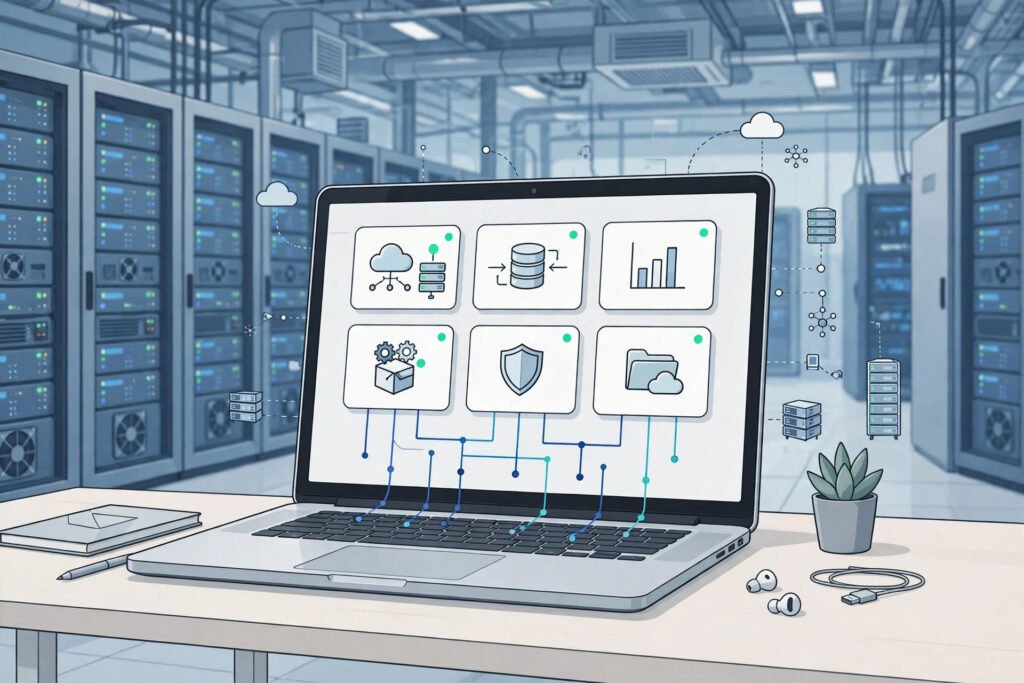
A small online bakery faces a festival sale: three frantic days, then normal again. Buy a server for the busiest day and it sits idle all year; buy for an average day and the site crashes exactly when customers arrive. That dilemma is the problem cloud computing was built to solve.
In short, cloud computing is on-demand computing: computing power on demand, rented over the internet with no own hardware to maintain, that you can scale up and down as demand changes. The servers live in a data centre run by someone else; you use them through an internet connection and pay for what you use. That is the whole idea.
Table of Contents
From owning computers to renting computing
Before the cloud, running a website usually meant buying hardware, housing it, keeping it cool and powered, patching it, and replacing it when it aged. A company needed capacity for its busiest plausible day, so most machines were underused most of the time — and a sudden success could become a technical crisis.
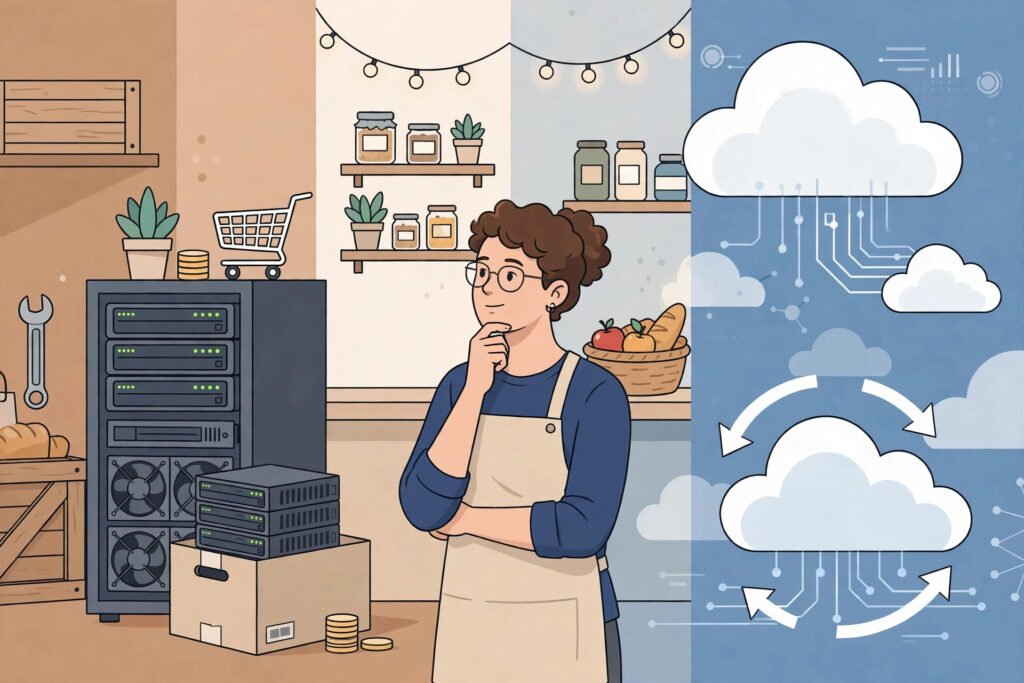
Cloud computing vs traditional servers is therefore less about speed and more about who carries the fixed costs and the risk. The provider owns the buildings, cooling, power and machines, spreading those costs across many customers. You rent a slice and give it back when you no longer need it. The trade-off is dependence: if the provider has an outage, or your connection fails, your rented capacity is out of reach.
That trade-off explains why businesses use cloud services: renting turns a large, lumpy purchase into a flexible running cost, and lets a two-person team use scalable infrastructure that once required a dedicated team.
The three service models, in plain language
Here is the cleanest way to think about the types of cloud computing: three layers, each hiding more of the machinery from you.
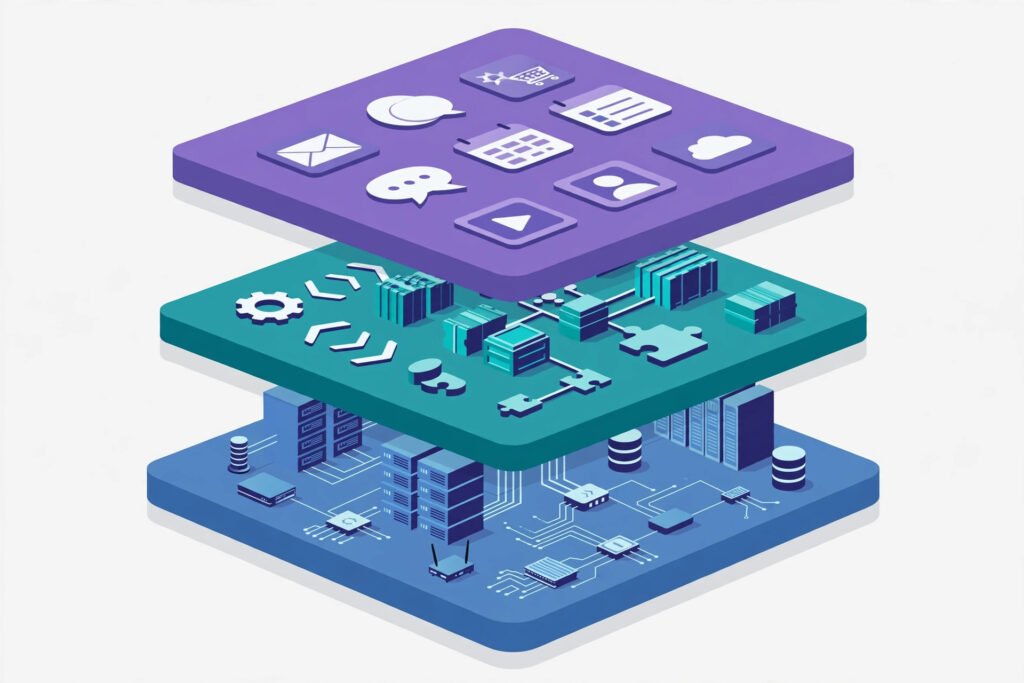
| Model | What you get | Who handles the underlying machines | Good for |
|---|---|---|---|
| IaaS (Infrastructure as a Service) | Raw virtual servers, storage and networks | The provider runs the hardware; you run the software | Teams that want full control |
| PaaS (Platform as a Service) | A ready platform to build and run apps | The provider runs hardware and platform; you bring the code | Developers building an app |
| SaaS (Software as a Service) | Finished software you use in a browser | The provider runs almost everything | Anyone who just wants the app to work |
Software as a service is the layer most people already use: applications over the internet such as email, document editing, video calls and streaming, where you sign in and never think about the server underneath. A platform is for people building an app: they write code, often in Python, and the platform handles deployment and scaling. Infrastructure is rawest: you rent a virtual machine, install what you need — often Linux — and manage it yourself, much like a virtual private server, only more flexible.
There is also a second distinction: public vs private cloud. A public cloud serves many customers from shared infrastructure, keeping costs down; a private cloud is dedicated to one organisation, suiting strict security needs but costing more. Many larger organisations use a hybrid mix of the two.
How a request actually travels
How does cloud computing work when you press play or place an order? Break the journey down and it explains why two cloud apps can feel so different in speed.
First, your device sends a request over the internet. A DNS server — part of the domain name system — translates the service’s name into an address, and the request is routed to a nearby data centre. Second, a load balancer hands it to a server with spare capacity. Third, that server runs the application, which may call other services through an API: one checks your login, another fetches files, another processes payment. Fourth, the answer travels back to your device.
Two things in that chain decide how the experience feels. Distance and congestion create latency, the delay between asking and answering, which is why providers run data centres in many regions. And capacity decides whether the system copes under load: a well-designed cloud app adds more servers when demand rises and removes them when it falls, often automated with containers — lightweight packages holding an app and its dependencies — and orchestration tools such as Kubernetes that manage many containers at once.
That is why examples of cloud computing are everywhere once you look. When a streaming service such as Netflix serves many viewers at once, or a video-calling service such as Zoom adds capacity for a busy Monday morning, neither is scrambling to install new machines. The surge is absorbed by adding rented slices rather than buying hardware.
A worked example: the tutoring startup that grew in steps
Consider a small online tutoring business with five tutors and a simple booking site. At first traffic is modest, and renting a tiny virtual server plus hosted email and documents covers everything.
Then a local school recommends the service, and bookings triple in a week. On owned hardware, that would mean ordering, waiting for, and configuring a new machine. In the cloud, the team enlarges its virtual server, adds a second one behind a load balancer, and moves worksheets to a proper cloud storage plan instead of emailing attachments. When term ends and demand falls back, the team scales down again instead of paying all year for a fortnight’s capacity.
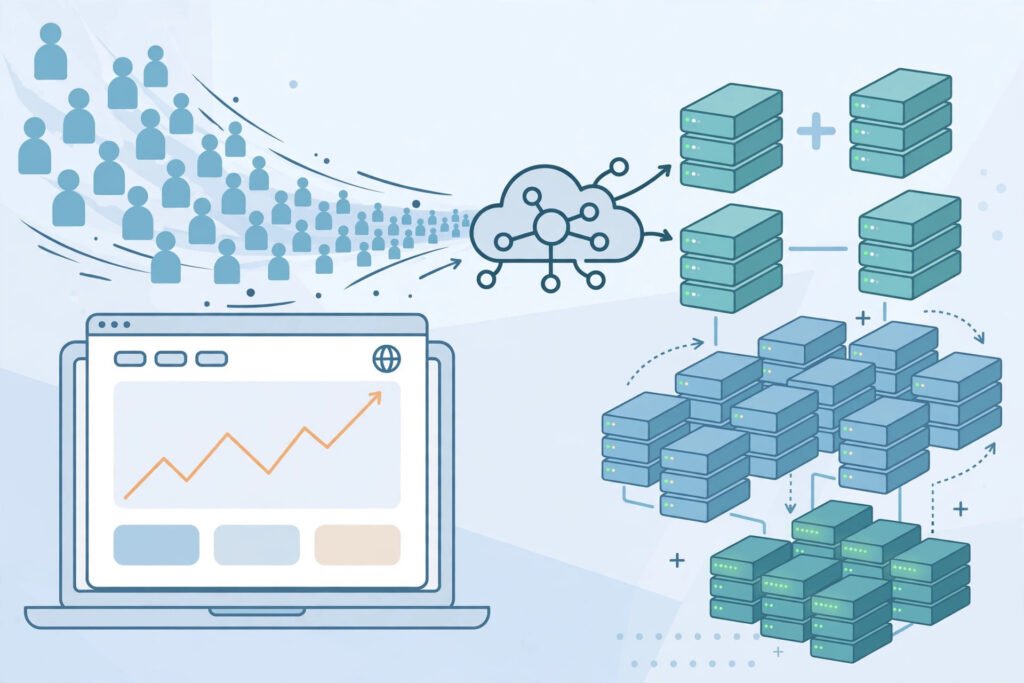
Notice the pattern. Nothing about the teaching changed; computing simply became adjustable, with capacity following demand in both directions. That adjustability is the real product being bought — and a failed experiment costs a little rented time, not a cupboard full of servers.
Is cloud computing secure?
Security in the cloud is a shared job, and misunderstandings about that split cause most trouble. The provider secures the buildings, hardware and core platform; the customer secures what it puts on top — accounts, passwords, data permissions and application code. A provider can offer excellent encryption and still host an app whose admin password is weak and whose storage is open to the world.
In practice that means strong unique passwords, two-factor authentication on admin accounts, the fewest permissions each person needs, and regular access checks. Backups matter too: a cloud service is not automatically a backup, and a deleted database is just as gone unless a backup or snapshot was configured. The largest providers — Amazon Web Services, Microsoft Azure and Google Cloud Platform — offer extensive security tools, but only if someone switches them on.
Some data is better kept in a private cloud or locally for legal or safety reasons, and some workloads genuinely do not need the cloud at all. A tiny, stable tool used by three people may be simpler on one modest machine than rebuilt as a cloud service. Choosing the cloud because it is fashionable is how small firms end up with a complex bill for a simple job.
Common mistakes
Assuming the cloud is automatically safe. The provider secures the platform; you secure your accounts, data and settings. Misconfigured permissions, not broken encryption, cause most cloud incidents.
Assuming the cloud is automatically a backup. Renting a server does not back it up. Snapshots, backups and version history must be configured and tested — ideally by actually restoring something.
Designing for one server, then blaming the cloud when it fails. A single server, rented or owned, is still a single point of failure. Spreading across more than one server, and more than one availability zone where offered, is a design choice, not a default.
Ignoring the bill until it arrives. Because capacity is easy to add, it is easy to leave running: test servers nobody uses, oversized machines, forgotten storage. A monthly habit of reviewing what is running, and switching off what is not needed, saves more than any clever discount.
Moving everything at once. Lifting a tangled old system into the cloud unchanged often just rents the same problems at a higher price. Moving one workload, learning from it, and then moving the next is slower and far less painful.
Forgetting the exit. Before you commit deeply to one provider’s unique services, check how you would move your data and workloads elsewhere. Portability is boring to plan and painful to discover you lack.
What to do next: a checklist for learners and small teams
- If you are learning: build one small thing on a platform service and watch what happens when you deploy a change.
- If you run a small business: list which tools are already SaaS (email, accounting, video calls) before buying anything new.
- Before any migration, write down what must never go down, what must never leak, and how you would restore it.
- Start with one non-critical workload, measure its cost for a month, and scale only if justified.
- Set billing alerts on day one and turn off anything idle.
- Keep a second copy of critical data outside the system that produces it — cloud or not, one copy is not a plan.
Cloud computing is not a place, a single product, or a synonym for the internet. It is a way of buying computing: rented servers and services, reached over the internet, that grow and shrink with demand. Used well, it lets a tiny team borrow the infrastructure of a large one and spend its time on the work itself rather than on keeping machines alive. Used carelessly, it rents the same old problems at cloud scale. The difference is not the technology. It is the habits around it.
Related Reading
FAQs
How does cloud computing work, in simple terms?
You rent computing — servers, storage or finished software — from a provider over the internet, instead of buying and running your own machines. Your device sends requests to the provider’s data centres, the software runs there, and the results come back to you. You can pay as you go, adding capacity when busy and reducing it when quiet.
What is the difference between cloud computing and cloud storage?
Cloud storage is one piece of cloud computing: a place to keep files online. Cloud computing is the wider idea — running applications, databases, websites and whole business systems on rented remote servers. Storage keeps files; computing runs things.
What are examples of cloud computing in everyday life?
Email, online documents, video calls, streaming and photo backup are typically cloud services: the app runs on remote servers and you reach it through a browser or app. Businesses also use the cloud to host websites and process orders without owning servers.
Is cloud computing secure?
It can be, but security is shared. Providers secure their data centres and platforms; customers must secure their accounts, permissions and applications. Strong passwords, two-factor authentication, least-privilege access and tested backups matter more than which provider you choose.
Do I need cloud computing for a small business or personal project?
Not always. If your needs are small, stable and well served by a finished app or a single modest server, that may be simpler and cheaper. The cloud earns its keep when demand varies, when you want managed infrastructure without hiring for it, or when you need to grow quickly without buying hardware first.