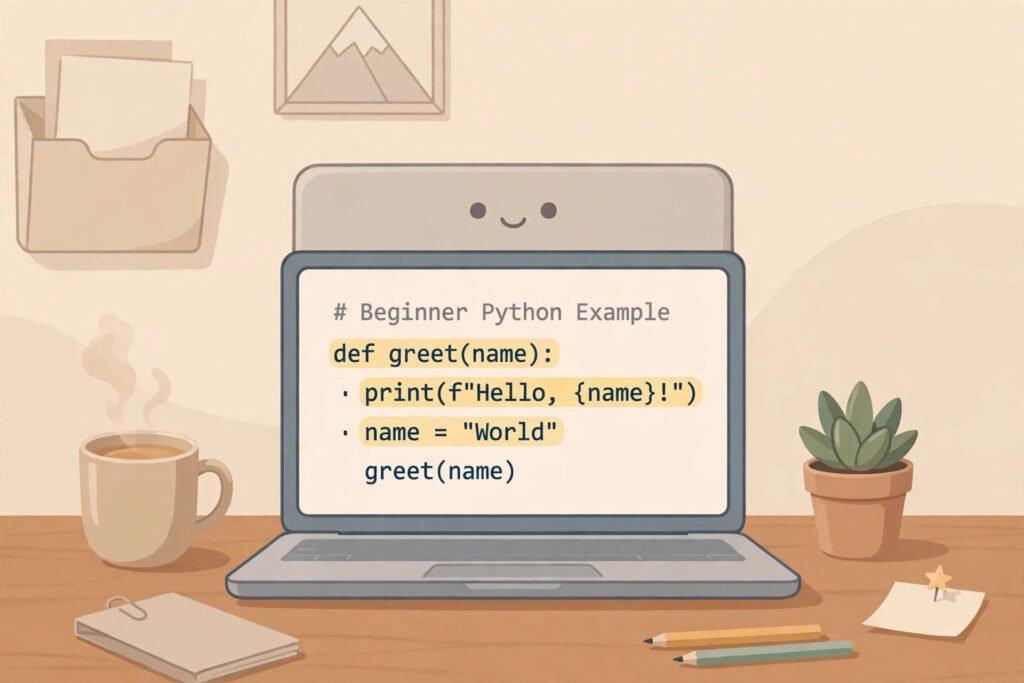
Python is a high-level, general-purpose programming language that lets people give a computer clear, readable instructions in words close to everyday English. It is interpreted, which means the computer reads and runs your code line by line, so you can test small ideas quickly. People use Python to build websites, analyse data, automate repetitive work, and create tools for artificial intelligence, science, and education.
Table of Contents
TL;DR / Key Takeaways
- Python is readable and general-purpose: websites, data, automation, and AI.
- “High-level” means human-friendly instructions, not detailed machine code.
- “Interpreted” means you can run and test small pieces of code quickly.
- A library is ready-made code by others that you can reuse.
- Python is a strong first language, but not the best tool for every job.
What Makes Python Different From Other Programming Languages?
Python’s clearest difference is readability. In many languages, a simple task needs several lines of symbols, while in Python it is often a short, sentence-like line. Beginners therefore spend less time decoding punctuation and more time learning to solve problems.
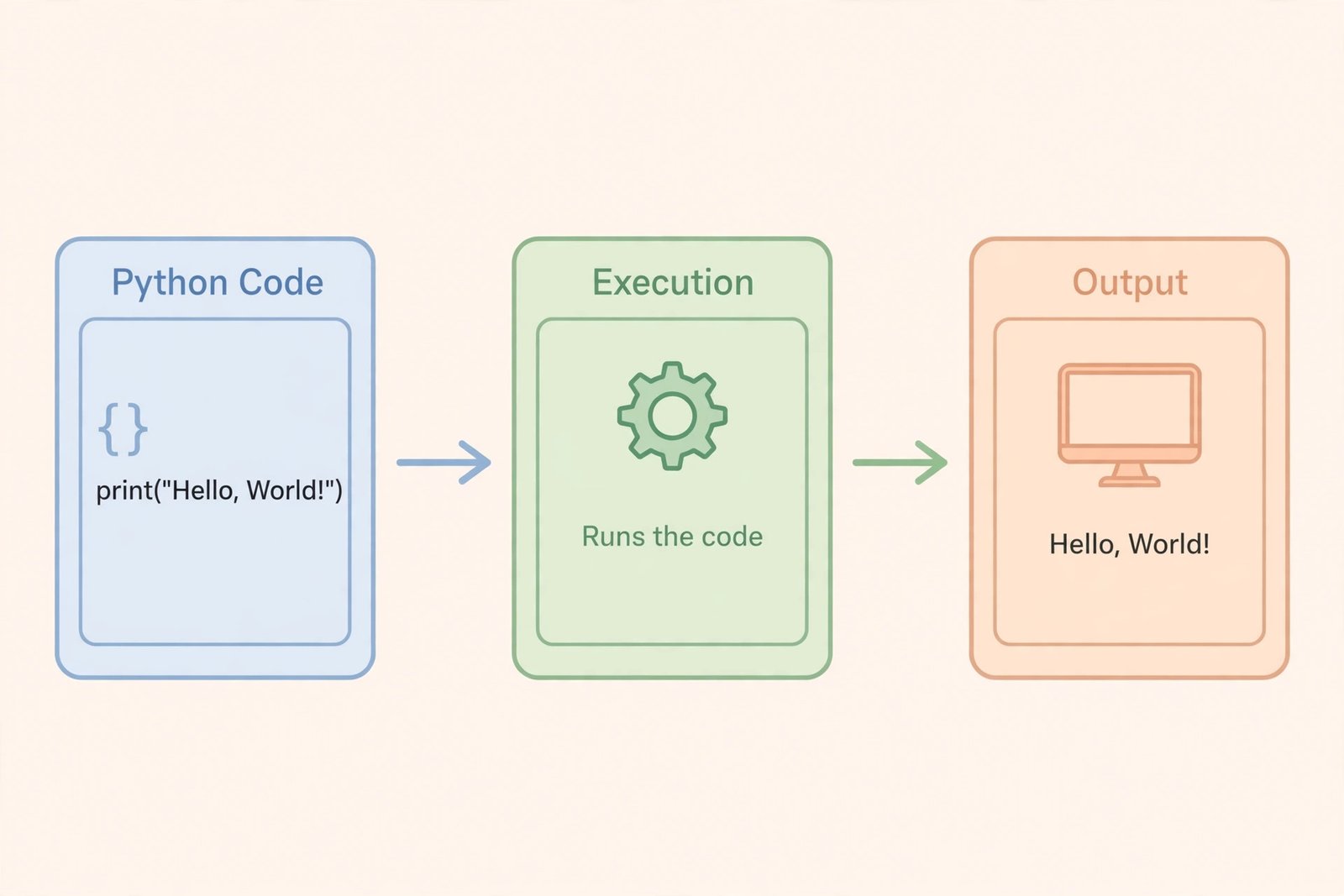
Python is also general-purpose, not built for one field. The same language can run a file-renaming script, a website back end, a data report, or a simple game. Three ideas explain it: high-level means it hides details such as memory management; interpreted means an interpreter reads code in a .py file and carries it out; and batteries included means it comes with a large standard library, plus extra libraries shared by others.
How Does Python Actually Work?
A program is instructions that solve a problem step by step. That plan is an algorithm, and Python is one language for writing it so a computer can follow it. Here is a tiny example, explained line by line:
name = "Sara"
print("Hello, " + name)
The first line stores Sara in a variable named name. The second uses print to show a greeting: Hello, Sara.
If you make a mistake, Python stops and shows an error near the problem. That is feedback, not failure: check spelling, brackets, and indentation, fix one thing, and run it again. Indentation matters, because spaces show which instructions belong together in a decision or loop.
What Is Python Used For in the Real World?
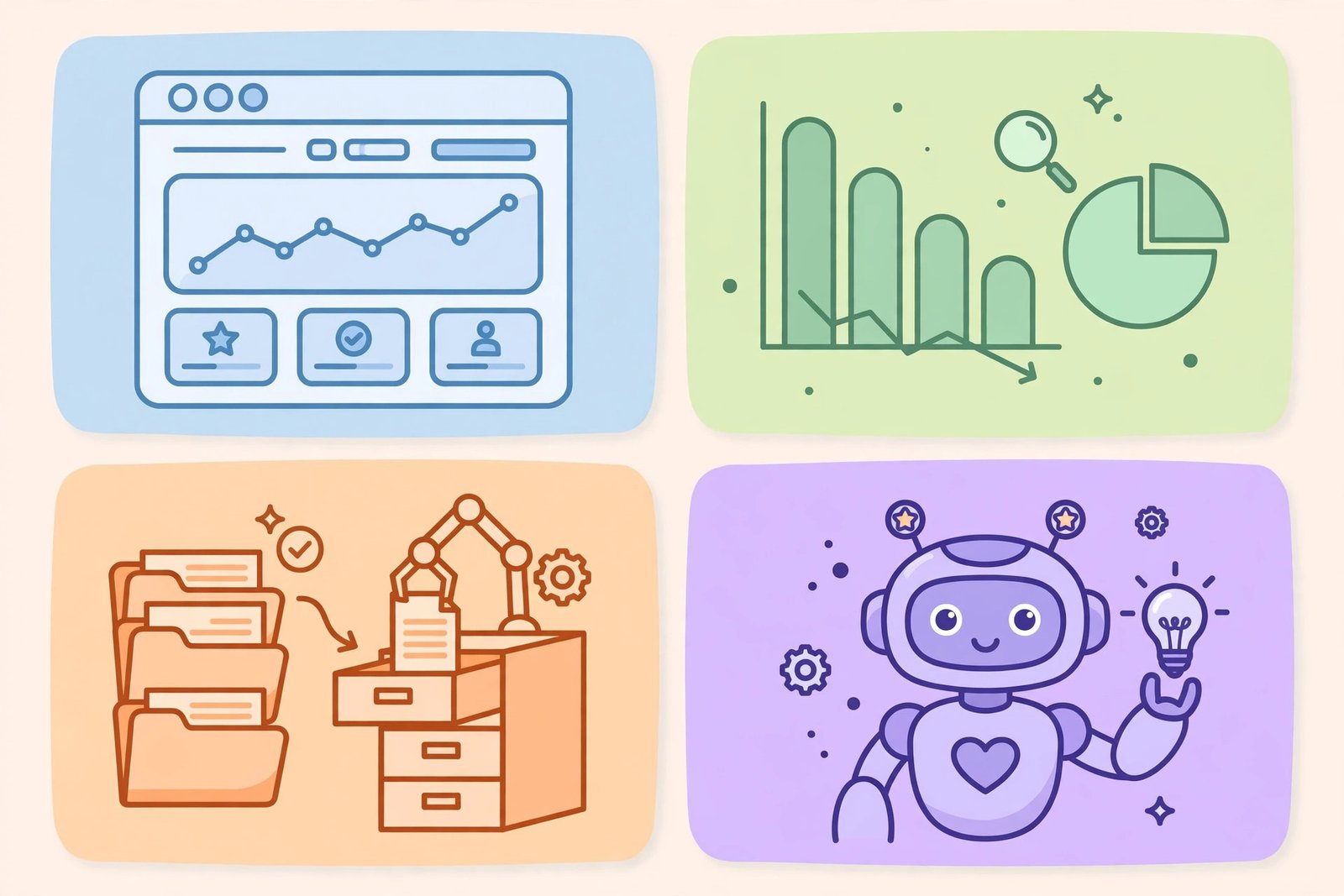
Python is used by beginners, researchers, small businesses, and large teams.
| Area | What Python does | Everyday example |
|---|---|---|
| Web development | Runs the back end | Booking form saving details |
| Data analysis | Cleans and summarises information | Messy spreadsheet into a monthly chart |
| Automation | Repeats boring computer tasks | Renaming photos, tidying files |
| Artificial intelligence | Finds patterns in data | Sorting messages, spotting patterns |
| Science and testing | Runs checks and experiments | Checking answers, testing a website |
In web development, Python handles hidden work, not page appearance. That styling is a different layer, so a complete site normally pairs Python with front-end tools — see what CSS is. Python also helps non-programmers: a teacher can sort lists, a shop owner can clean product data, and a student can practise with small projects.
Python vs Other Beginner Languages: Which Should You Learn First?
There is no single best first language; the right choice depends on what you want to build first.
| Language | Best first choice for | Beginner experience | Watch out for |
|---|---|---|---|
| Python | Data, automation, AI, back-end web work | Very readable; quick first program | Does not run in a browser |
| JavaScript | Interactive websites and web apps | Results visible quickly in a browser | Quirky rules, many frameworks |
| Java | Large business systems, Android | Strict rules teach structure | More setup for a simple program |
Choose Python first if unsure, or if you like data or automation. Choose JavaScript first for interactive websites. Skills transfer: variables, decisions, loops, and functions work similarly across languages, so Python does not lock you in.
What Can Python Not Do Well?
Python is generally slower than languages compiled directly to machine code, so it is not the usual choice for the most speed-critical parts of a game engine or operating system. It does not run inside a browser — that is JavaScript’s job — and it is not the most common choice for a native mobile app. That is not a weakness for most work: everyday programs are limited by the problem or design, not raw speed, and Python often uses fast libraries behind the scenes where speed matters.
How Do I Start Learning Python in My First Week?
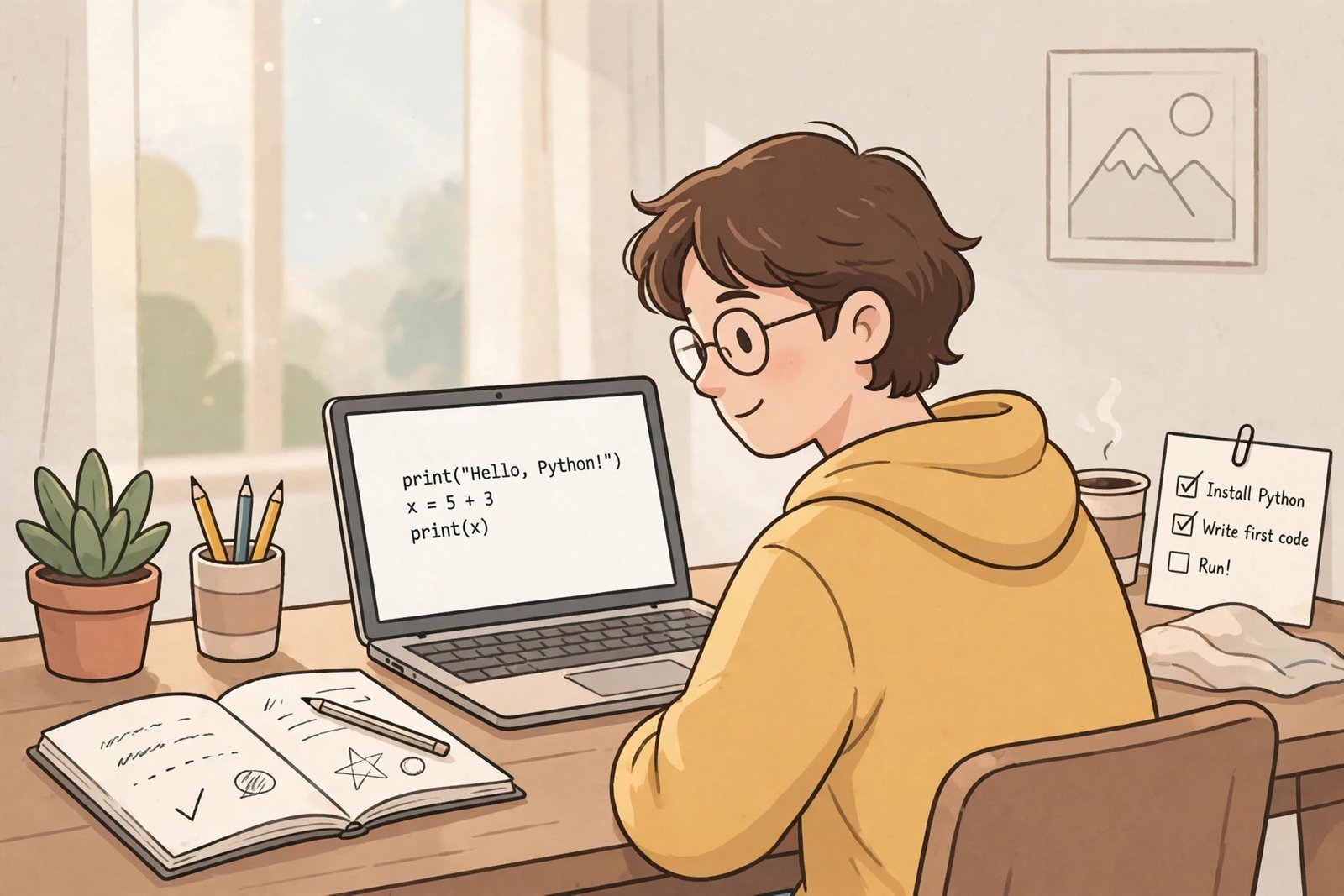
You do not need expensive software. Start in a free online Python editor, with no installation, then install Python later for larger projects. Follow these steps in order; do not jump to frameworks or AI before the basics feel familiar.
Step 1 — Day 1: Run your first program. Print a greeting, change the words, and run it again. The goal is confidence, not perfection.
Step 2 — Days 2–3: Learn variables and basic data. Store text, whole numbers, decimal numbers, and true-or-false values, plus simple calculations.
Step 3 — Days 3–4: Learn decisions and loops. Use an if-statement to choose between paths, and a loop to repeat a task. These power almost every program.
Step 4 — Day 5: Learn functions and lists. A function is a reusable block of code with a name. A list stores items in order, such as names or scores.
Step 5 — Day 6: Work with files and errors. Read a small text file, handle a missing file gracefully, and practise reading error messages.
Step 6 — Day 7: Build one tiny project. Pick a calculator, quiz, to-do list, or file renamer, and finish it even if simple. A finished small project teaches more than ten half-finished tutorials.
Practise in short, regular sessions. Type code yourself, change one part at a time, and predict the result before running it.
What Do I Need to Install, in Plain Terms?
On your own computer you need Python itself, the interpreter that runs code, and a code editor that highlights code and helps spot mistakes. A package is reusable code you can add to a project; a virtual environment is a separate workspace for one project, so packages do not clash. You need not master virtual environments in week one. If a tutorial asks you to install many tools at once, pause, install one, test it with a greeting program, then continue.
What Are Good First Projects, and What Mistakes Should I Avoid?
Choose a project solving a small problem you have: a tip calculator, password checker, quiz or guessing game, to-do list, word counter, or download organiser. Avoid large clones of famous apps or complex AI projects, which need many skills at once. Start small, finish, then add one feature at a time.
Most mistakes are habits, not lack of talent. Do not only copy tutorials, skip variables and loops for frameworks, or ignore errors — read the line number and error type first. Do not try to memorise everything; programmers look things up constantly. Write steps in plain language before coding: if you cannot explain the plan simply, the code will be tangled.
Practical Checklist: What to Do Next
- Run a greeting program in an online editor — no installation needed for day one.
- Learn variables, decisions, loops, functions, and lists, in that order.
- Type every example yourself and change one thing to see what happens.
- Build one finished tiny project by the end of your first week.
- Keep a notes file of errors you fixed and what caused them.
- Before optimising slow code by guesswork, learn how caching works.
- Choose your next project by a problem you have, not the longest tutorial.
Closing Summary
Python is a high-level, interpreted, general-purpose language valued for readability, from websites and data to automation and AI. You can test small ideas quickly, then grow into larger projects with libraries, without switching languages. It is not the fastest language, nor the browser’s language — knowing those limits is part of using it well. Start with basics, finish one small project, and let each next project teach one new idea.
Related Reading
Frequently Asked Questions
Is Python named after the snake?
No. The name comes from Monty Python, the comedy group whose show the creator enjoyed. Snake imagery came later, which is why it appears in jokes and logos, but it is not the origin.
Do I need to be good at maths or have a computer science degree to learn Python?
No. Basic arithmetic is enough, and no degree is required. Patience and regular practice matter more than advanced maths, which you can learn later if a specific area needs it.
Is Python free to learn and use?
Yes. Python is free and open-source, and many beginner resources are free. You can practise in a browser editor at no cost, with no licence needed for your own programs. Paid courses are optional.
Can Python alone build a complete website?
Not usually alone. Python runs the back end — requests, data, and logic — but a complete site also needs front-end code for structure and styling. Learning Python first still helps, because back-end logic is a large part of how a site works.
What should I do when my Python code shows an error?
Read the message, note the line number and error type, and check spelling, brackets, and indentation on that line. Fix one thing, run again, and simplify if needed. If stuck, search the exact error type with a small example.