
A VPN and a proxy both change the address websites see, but they do not offer the same protection. A VPN encrypts all of your device’s internet traffic and routes it through a secure tunnel, while a proxy mainly reroutes traffic from one app or browser and usually does not encrypt it. In short, use a VPN when privacy and security matter, and use a proxy only for simple, low-risk tasks such as checking how a page looks from another location. Neither tool makes you fully anonymous online.
Table of Contents
TL;DR / Key Takeaways
- A VPN encrypts all device traffic; a proxy usually covers one app or browser and often leaves traffic readable.
- A proxy hides your IP from the site you visit, but your provider can often still see what you do.
- VPN for public Wi-Fi, sensitive work, and everyday privacy; proxy only for basic, non-sensitive location checks.
- Verify it works: check your visible address changed, and remember apps a proxy does not cover can leak traffic.
- Neither tool makes you anonymous: accounts, cookies, and behaviour can still identify you.
What does a VPN actually do?
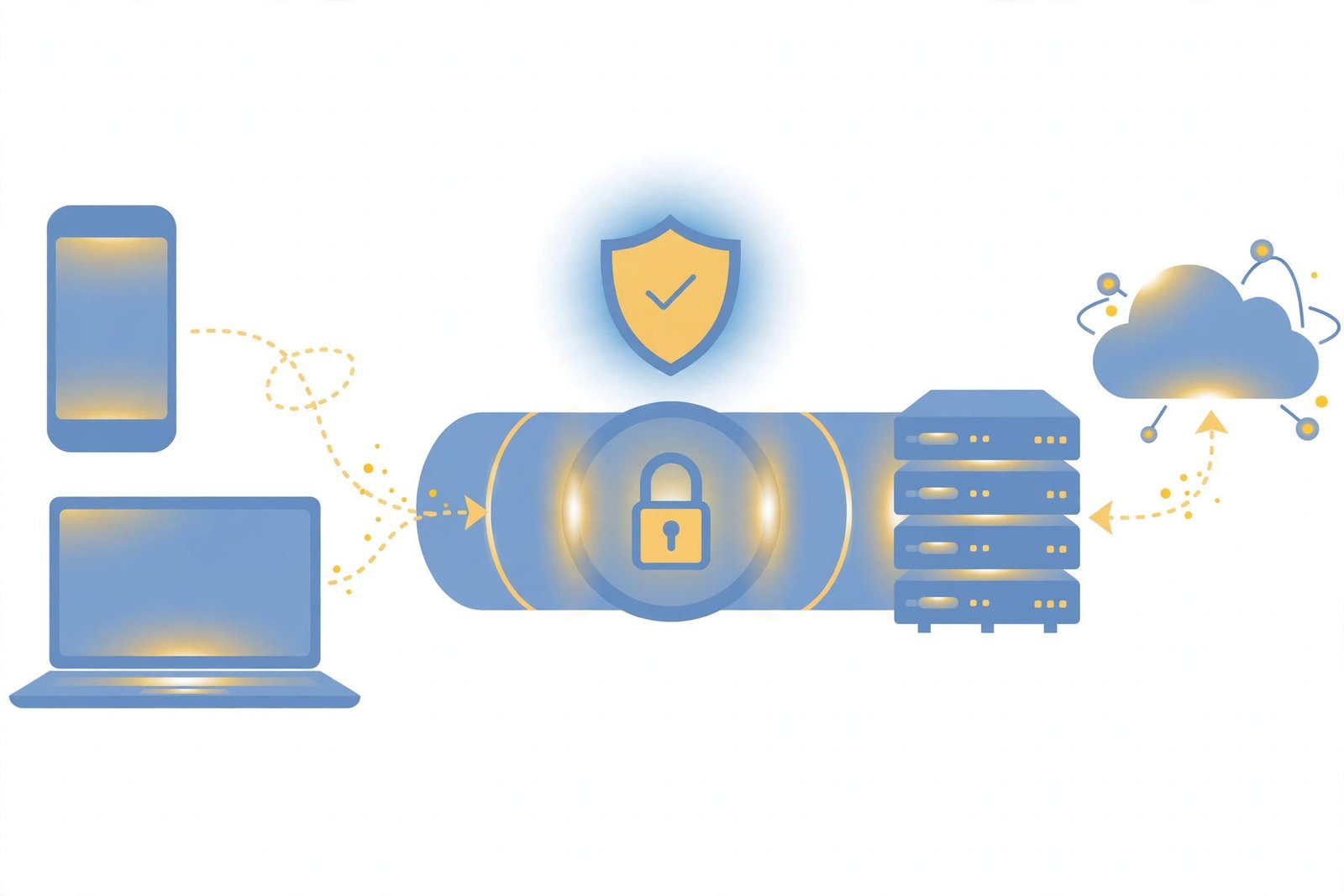
A virtual private network, or VPN, creates an encrypted tunnel between your device and a VPN server. Everything your device sends online — browsing, apps, email, messaging — travels through that tunnel, and websites see the server’s address instead of yours. Because traffic is encrypted, someone on the same network, such as café or airport Wi-Fi, cannot easily read it. Your provider can see you use a VPN, but not your activity inside it. That combination — device-wide coverage plus encryption — is why VPNs are recommended for privacy. For background, read our guide on what a VPN is.
What does a proxy actually do?
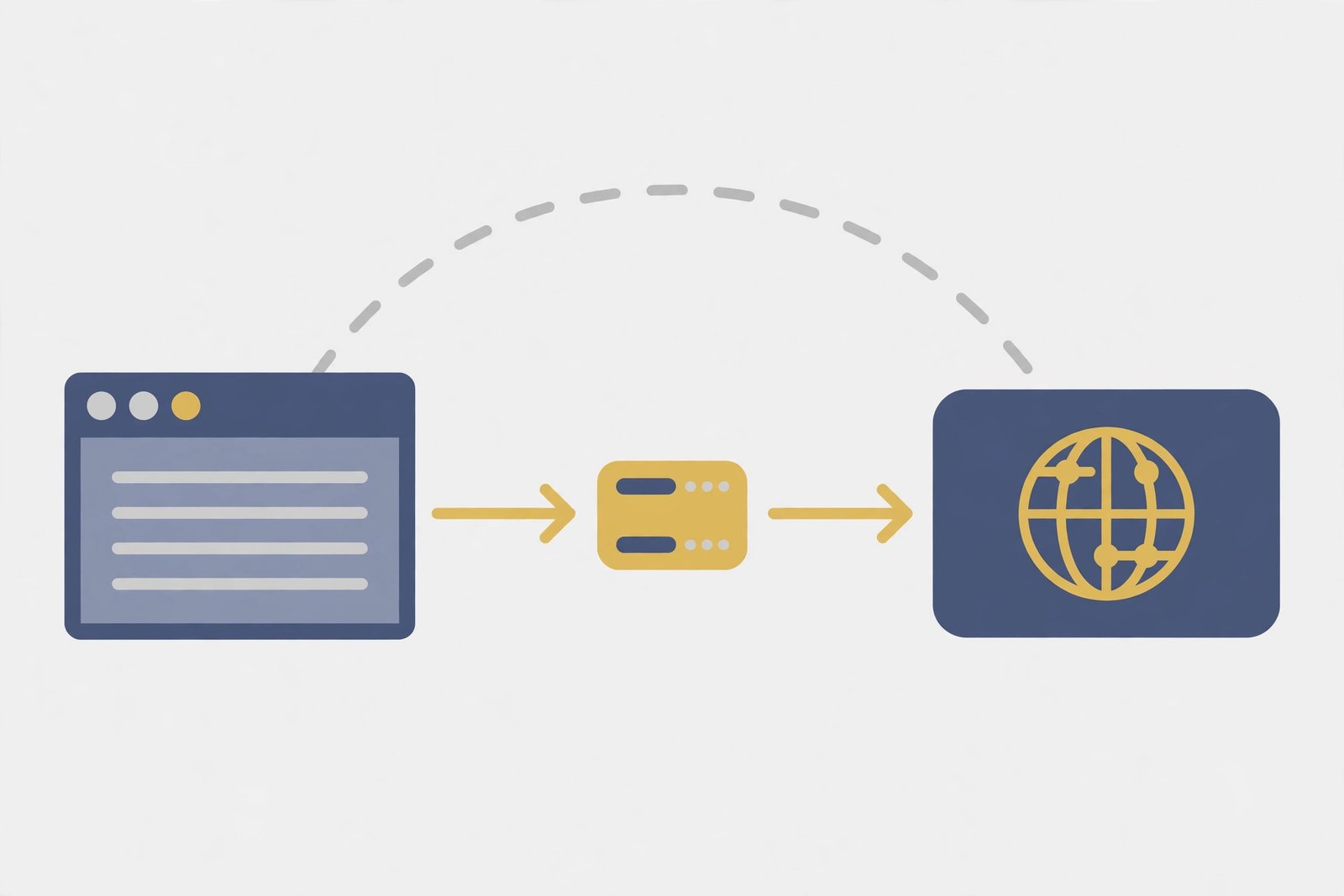
A proxy is a middleman server. Your browser or app sends its request to the proxy, which forwards it on your behalf, so the website sees the proxy’s address rather than yours. The key limit is scope: a typical proxy covers only the app or browser you configured, while other apps keep connecting directly, unprotected. Many proxies also forward traffic without encrypting it. Note that many schools and workplaces already route traffic through a proxy to filter sites — a proxy is a routing tool, not automatically a privacy tool, and who runs it matters.
What is a forward proxy, and what is a reverse proxy?
A forward proxy sits between you and the internet and forwards your outgoing requests — this is what most people mean by “proxy.” A reverse proxy sits in front of a website’s servers and handles incoming visitor requests, helping the site owner with load balancing and security. It protects websites, not individual users, so it is not a privacy tool for your own browsing.
VPN vs proxy: the detailed comparison
| Feature | VPN | Proxy |
|---|---|---|
| Encryption | Encrypts all device traffic | Usually none |
| Coverage | Whole device, every app | Usually one app or browser |
| What websites see | VPN server’s IP address | Proxy server’s IP address |
| What your provider sees | Only that you use a VPN | Often your browsing activity |
| Speed | Slightly slower in theory; barely noticeable with a good service | Often faster, but free proxies can be slow |
| Setup | One app protects the whole device | Often manual, per app or browser |
| Best for | Privacy, public Wi-Fi, sensitive work | Quick location checks, simple tasks |
What does each one hide, and what does it not hide?
A VPN hides your real IP address from websites and your activity from your provider and others on your local network. It does not hide your identity from services you log in to, and it does not stop tracking via cookies, browser fingerprinting, or malware already on your device.
A proxy hides your real IP address from the website you visit through it, but does not reliably hide your activity from your provider, protect your other apps, or stop cookie tracking. Your IP address is only one identifier among many — see our explainer on what your IP address is.
One nuance most comparisons skip: if a site uses HTTPS, that page’s content is encrypted between your browser and the site even via a proxy. A proxy is still weaker overall, but “proxy” does not mean “everyone can read every page.” Judge the whole setup, not one label.
How do you choose between a VPN and a proxy?
- Ask what you are protecting. Passwords, work data, banking, or anything personal means a VPN; a trivial, non-sensitive task may suit a proxy.
- Ask how much coverage you need. Every app means a VPN; one browser only means a proxy can work.
- Ask which network you are on. On public Wi-Fi or any network you do not control, use a VPN.
- Ask whether location is the whole point. If viewing a page from another location is the entire task, a proxy is a reasonable lightweight option.
- Check the provider before you trust it. Does it log activity, sell data, or show ads? If it cannot answer clearly, do not route your traffic through it.
- Test it on your real task. Check your visible address changed and your usual sites still work at an acceptable speed.
In everyday terms: café, hotel, or airport Wi-Fi, banking, email, shopping, and work data all point to a VPN. A quick location check in one browser, with no logins, is where a proxy is genuinely enough.

Before you trust either one: five checks top guides skip
1. Check that it is actually working. Note your visible IP address with the tool off, then on. If it has not changed, fix the setup before relying on it.
2. Watch for leaks when a VPN drops. If a VPN drops and your device quietly reconnects directly, your traffic is suddenly unprotected. Some apps offer a “kill switch” that blocks internet access until the VPN reconnects — turn it on, especially on public Wi-Fi.
3. Remember the apps a proxy does not cover. This is the most common real-world leak: your browser may show a different location while your email, messaging, or banking app connects directly with your real address. If you need whole-device protection, that gap alone settles the choice for a VPN.
4. Understand the trust shift. A VPN does not remove trust; it moves it from your provider to your VPN provider. That is why its logging policy, reputation, and business model matter more than its marketing claims. The same applies to a proxy operator.
5. Review apps excluded from the VPN. Some apps let you exclude chosen apps from the tunnel, often called split tunnelling. Every excluded app loses VPN protection, so review that list deliberately rather than leaving unchecked defaults.
What if it is slow, or a site blocks you?
Try a nearer server first: distance usually matters more than the VPN-versus-proxy choice. If a site refuses to load or shows extra verification challenges, it may be detecting shared addresses; try another server, or disconnect for that one non-sensitive task. Test slow video with the tool off to see whether the tool or your connection is the problem.
Practical checklist: red flags in free services
Free is not automatically bad, but investigate it, because running servers costs money: a free service is funded by paid upgrades, advertising, or, in the worst cases, your data. Watch for: no clear privacy policy, or one allowing logging and data selling; heavy advertising or injected content; no information about who runs it; unusable, unstable connections; and requests for unnecessary permissions. Read the policy, not just the homepage.
What about malware and other threats?
Neither tool is an antivirus tool. A VPN encrypts your connection but does not scan downloads or clean an infected device, and a proxy does even less. A harmful download arrives harmful whether or not your IP was hidden. Keep your system updated, download only from official sources, and treat unexpected attachments with suspicion. Our guide on what malware is explains the main types and how infections happen.
The bottom line
Choose a VPN when privacy or security matters: it encrypts all device traffic and covers every app. Choose a proxy only for simple, low-risk tasks where hiding your IP from one site is all you need. Verify it is working, watch for dropped connections and uncovered apps, and choose a provider you can trust. Neither tool makes you anonymous or replaces good security habits — but used for the right job, each is genuinely useful. If unsure, default to a VPN.
Related Reading
Frequently Asked Questions
Is a VPN better than a proxy?
For privacy and security, yes. A VPN encrypts all device traffic and covers every app, while a proxy usually covers one app or browser and often does not encrypt traffic. A proxy is only better as the lightest tool for a simple, non-sensitive task.
Can I use a proxy and a VPN together?
You can, but it usually adds complexity and slows your connection without a clear benefit for everyday use. For most people, a good VPN alone is simpler and safer than chaining the two together.
Does a VPN or proxy make me anonymous online?
No. Both hide your IP address from websites, but logins, cookies, browser fingerprinting, and your own behaviour can still identify you. Think of them as privacy tools that reduce exposure, not invisibility cloaks.
How do I check whether my VPN or proxy is actually working?
Note your visible IP address with the tool off, then on: it should change to the server’s location. Check other apps you care about are covered, and turn on your VPN’s kill switch, if it has one, so a dropped connection does not silently expose your traffic.
Is a free proxy safe?
Not necessarily. Free proxies vary widely: some are fine for trivial tasks, while others log activity, inject ads, or are simply unreliable. Never send passwords, payments, or personal information through a free proxy you have not checked carefully.