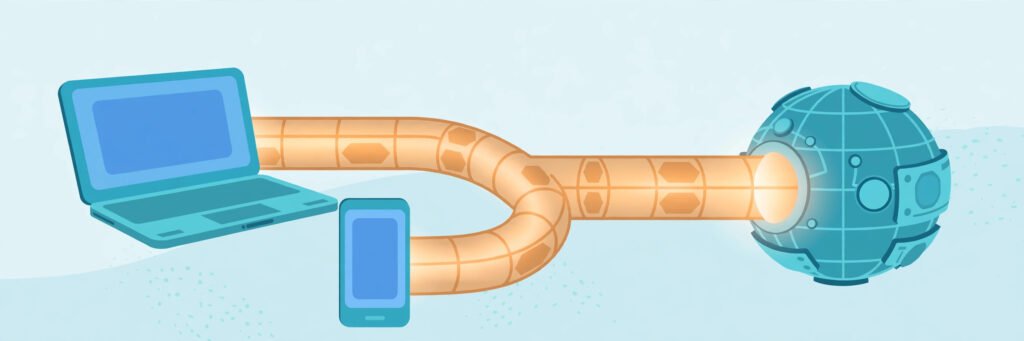
A VPN, or Virtual Private Network, is a service that creates a private, encrypted connection between your device and the internet. Your traffic travels through a secure tunnel to a VPN server first, and only then on to the website or app you are using. In plain terms, a VPN hides your real IP address from the sites you visit and makes it much harder for your internet provider, or anyone on the same network, to see what you are doing online.
Table of Contents
TL;DR — Key Takeaways
- A VPN encrypts your traffic and routes it through a VPN server, masking your real IP address.
- It protects privacy from your provider and snoops on public Wi-Fi, but does not make you anonymous.
- A VPN alone does not stop malware, and does not bypass every block.
- You benefit most on public Wi-Fi, untrusted networks, or when you want privacy from your provider.
- Set it up properly: kill switch on, auto-connect on untrusted networks, and check for leaks after connecting.
How Does a VPN Actually Work?
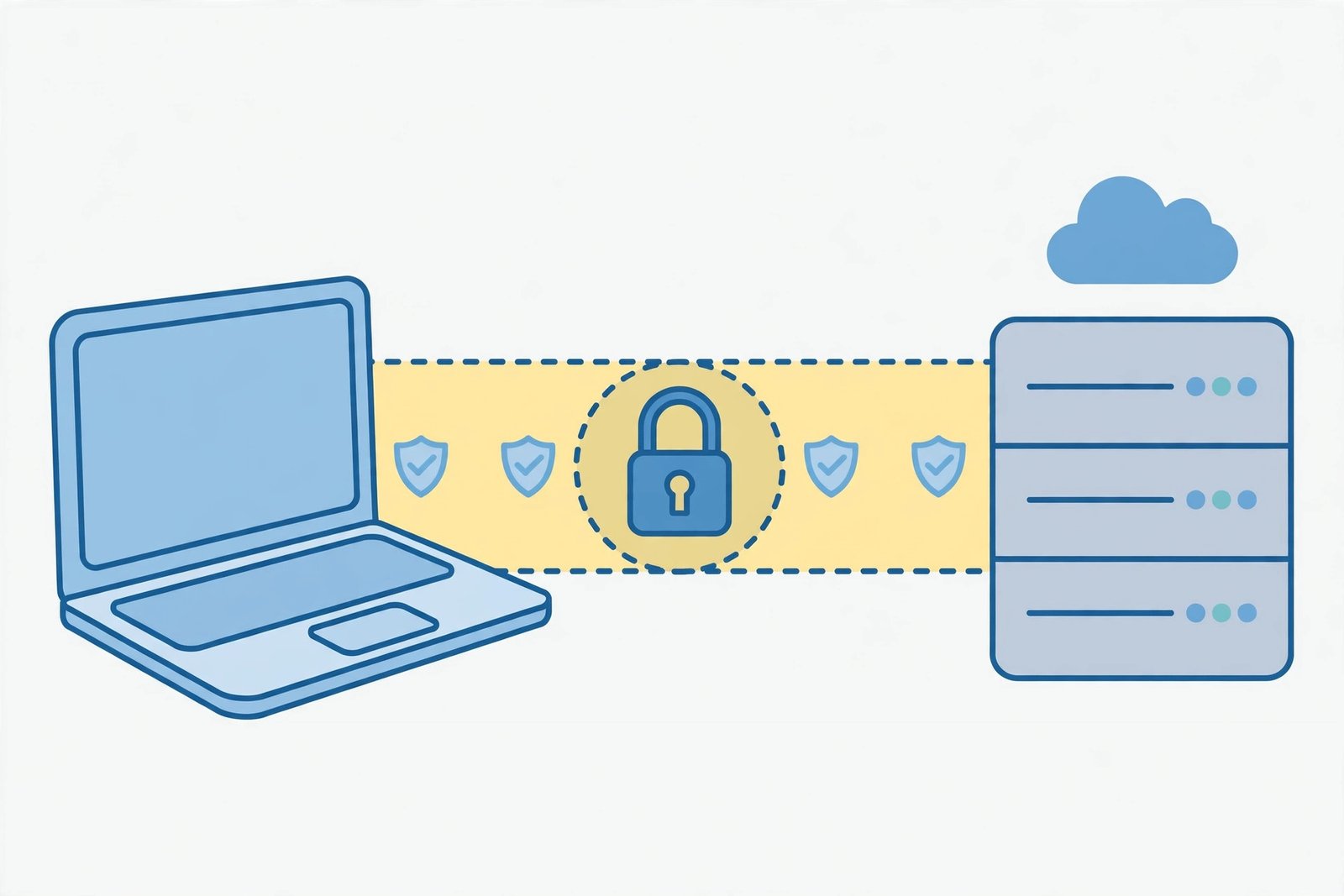
Think of a normal connection as sending postcards anyone handling them can read. A VPN seals each postcard in an envelope before it leaves your device. That envelope is encryption; the protected route is the tunnel.
Here is the journey:
- You open the VPN app and pick a server, nearby for speed or elsewhere if offered.
- Your device builds an encrypted tunnel to that server. Outsiders now see scrambled traffic, not readable browsing.
- The VPN server forwards your request. Websites and apps see the server’s IP address, not yours.
- Replies return through the same tunnel, where your device decrypts and displays them.
- If the tunnel drops, a kill switch should stop your traffic, preventing your real IP address leaking while the app reconnects.
Take an airport. You join free Wi-Fi and open email. Without a VPN, the network operator and anyone able to intercept that shared network can more easily watch poorly protected app traffic. With a VPN, traffic is encrypted before leaving your phone, so interception becomes far harder — even though the Wi-Fi itself has not changed.
Note the shift in trust: your provider now sees only that you use a VPN, not your traffic’s contents. Your VPN provider, however, can see more, which is why trust matters more than speed claims.
What Does a VPN Hide — and What Does It Not Hide?
What a VPN hides
- Your real IP address from websites and apps, which see the VPN server’s address instead. An IP address routes traffic to your device and can reveal your approximate location.
- Your browsing activity from your internet provider, which sees VPN traffic passing through but not what is inside the tunnel.
- Your activity from others on the same local network, making snooping on shared Wi-Fi much harder.
What a VPN does not hide
- Your identity when you log in. Signing in to email, social media, or shopping still identifies you.
- Your location from GPS or a logged-in account. A VPN changes IP-based location, not GPS data or a saved account address.
- Malware and phishing. A VPN does not scan downloads or block malicious files by itself.
- Everything from your VPN provider. A provider keeping detailed logs could record connection or activity data, so read “no-logs” claims carefully.
- All blocks. Some banks, streaming services, and workplaces detect VPN traffic, so a VPN cannot bypass every restriction.
| Situation | Without a VPN | With a VPN |
|---|---|---|
| What websites see | Your real IP address | The VPN server’s IP address |
| What your provider can see | The sites you visit, broadly | That you use a VPN, not your traffic’s contents |
| Privacy on public Wi-Fi | Low — easier to intercept | Higher — traffic is encrypted |
| Protection from malware | None from the connection | None by itself — safe habits still matter |
| Anonymity | None | Better privacy, not true anonymity |
If you want to understand the identifier a VPN masks, read our guide to what your IP address is and what it reveals.
What Are the Main Types of VPNs and Protocols?
Personal VPNs are what most people mean by “VPN”: an app connecting your phone or computer to a provider’s server. Business VPNs give employees a secure tunnel into company systems when working remotely.
VPNs use protocols — agreed rules for building the tunnel and encrypting traffic. Names you may see include OpenVPN, WireGuard, and IKEv2, and most good apps pick a sensible default.
Three terms are worth knowing:
- IPsec VPN: IPsec is a long-established set of standards for securing internet traffic, often paired with another protocol to authenticate and encrypt a connection, most often in business setups.
- Split tunneling: This lets you choose which apps go through the VPN and which use your normal connection — for example, routing your browser through the VPN while a service that rejects VPN traffic uses your direct connection. Anything excluded is unprotected, so use it deliberately.
- VPN router: Here the VPN runs on your home router, covering every device on your Wi-Fi automatically, including devices that cannot run VPN apps. Setup is more involved, and all devices share one server location.
Also note: a browser VPN extension usually protects only that browser’s traffic, not other apps or email. A full VPN app protects the whole device.
Do You Actually Need a VPN? A Quick Decision Guide
| Your situation | VPN verdict |
|---|---|
| Regularly on café, hotel, or airport Wi-Fi | Yes — a strong everyday case |
| Working remotely or handling sensitive accounts on shared networks | Yes — especially with auto-connect on |
| Wanting to limit what your provider sees | Yes — that is what a VPN is for |
| Only browsing at home on a trusted network | Optional — useful, not essential |
| Expecting full anonymity, malware protection, or a guaranteed bypass | No — a VPN alone will not deliver these |
The proxy difference is scope and encryption: a proxy can hide your IP address for one browser or app, but does not necessarily encrypt all your traffic. A VPN normally protects and encrypts traffic from the whole device. See VPN vs proxy.

How to Set Up a VPN Properly in Five Minutes
Installing a VPN is not the same as being protected by one. On first use:
- Install the full app on each device you want covered, not just a browser extension.
- Switch on the kill switch, so a dropped connection does not expose your real IP address.
- Switch on auto-connect for untrusted networks if offered, so protection starts before you open anything sensitive.
- Connect, then check for leaks. Note your IP address before connecting, then check again: it should show the VPN server’s location, not yours. If not, fix settings before relying on it.
- Test everyday apps once with the VPN on. If one service refuses VPN traffic, split-tunnel just that app, rather than switching the whole VPN off.
What to Check Before Choosing a VPN
- What it actually logs: Read the privacy policy, not just marketing. “No logs” can still allow account details or aggregate maintenance data.
- Independent audits: A provider explaining its practices clearly, with independent checks, is easier to trust than one relying on slogans.
- Kill switch and auto-connect: Both should be present and easy to switch on.
- Speed in practice: Encryption and routing usually slow a connection a little. A nearby server normally performs better, so test during any trial.
- Devices covered: Check apps exist for every device you use, and how many one subscription covers.
- Free vs paid: Free services must pay for servers somehow — some limit speed or data, others rely on advertising or data practices that weaken your privacy. A limited free plan can suit occasional light use; for regular sensitive use, a reputable paid service is usually safer.
- Red flags: Vague logging language, no kill switch, no clear company information, or pressure to pay long-term before testing.
When a VPN Causes Problems — and What to Do
A VPN can occasionally break things. If a site shows extra verification checks, a bank refuses sign-in, or a call stutters, try a nearer server first. If only one service is affected, split-tunnel just that app. If speed drops sharply, check for a distant or busy server. On work systems, follow your employer’s rules — bypassing workplace controls with a personal VPN can breach policy.
The Bottom Line
A VPN is a genuinely useful privacy tool: it encrypts traffic, masks your IP address, and keeps browsing private from your provider and snoops on shared networks. Its limits matter just as much — it does not make you anonymous, stop malware alone, change GPS location, or bypass every block. Set it up properly, choose a trustworthy provider, and pair it with safe habits. If malware is your main worry, read our guide to what malware is and how to stay protected alongside a VPN.
Related Reading
Frequently Asked Questions
Does a VPN protect me on mobile data as well as Wi-Fi?
Yes, but the gain is smaller: mobile networks are harder for strangers to intercept than open public Wi-Fi. On mobile data, a VPN mainly helps provider privacy and IP masking.
Is a browser VPN extension the same as a VPN app?
No. An extension usually protects only that browser’s traffic. Other apps, email clients, and system traffic stay outside the tunnel. For whole-device protection, use the full app.
Why does a site still know my location when my VPN is on?
A VPN changes IP-based location, but sites can also use phone GPS, a saved account address, or a location permission granted earlier. Check those before blaming the VPN.
Why does my bank or a website block me when the VPN is on?
Some services block or challenge VPN traffic because shared VPN IP addresses are used by many people, which can look suspicious to fraud systems. Try a nearer server, or split-tunnel just that service.
Can I still be tracked while using a VPN?
Yes, to a degree. Cookies, logged-in accounts, browser fingerprinting, and in-app tracking can still identify you. A VPN hides your IP address and encrypts traffic in transit; it does not erase in-service tracking.