
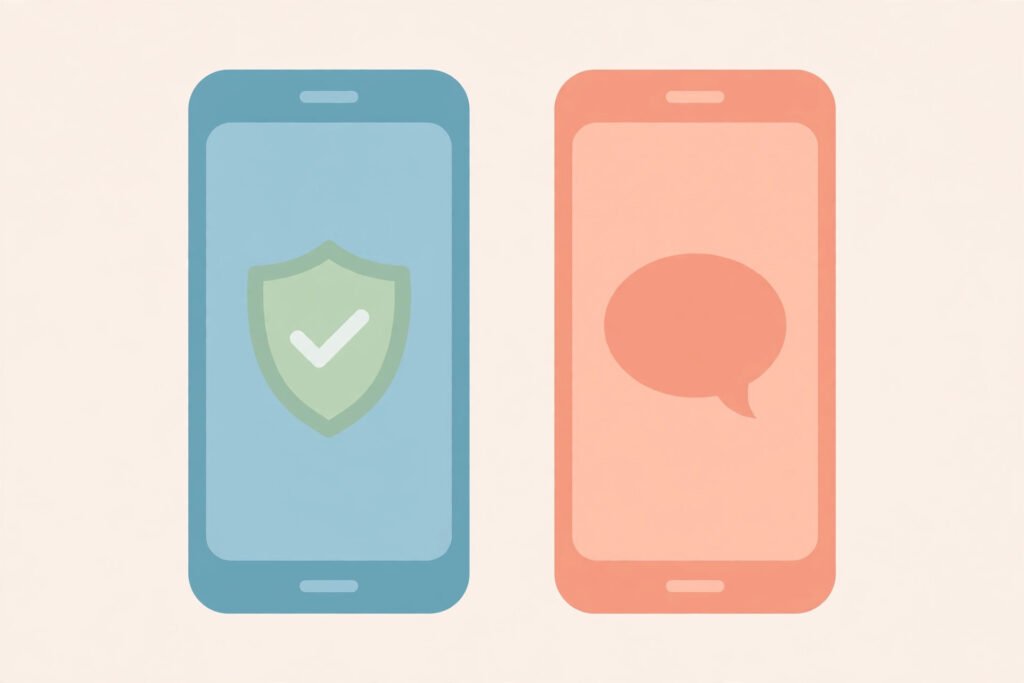
Two-factor and two-step sign-in sound like the same thing, and many websites use the names interchangeably, which is where the confusion starts. The short answer: two-factor authentication (2FA) requires two different kinds of proof — something you know, something you have, or something you are — while two-step verification can require two proofs of the same kind, such as a password followed by a code sent to your email. That distinction matters, because two proofs of the same kind can sometimes be stolen together, while two different kinds force an attacker to beat two separate defences. If you remember one rule, make it this: two-factor is the stronger design, and two-step is still far better than a password alone.
TL;DR / Key Takeaways
- Two-factor means two different categories of proof: knowledge, possession, or inherence.
- Two-step means two stages, which may be the same category twice.
- A password plus an authenticator-app code is true two-factor; a password plus an email code may only be two-step.
- Authenticator apps and security keys beat SMS codes, which can be intercepted.
- Either option is vastly safer than a password alone — turn one on everywhere important.
What Are the Three Factors?
Authentication factors fall into three categories, and the whole two-factor idea rests on them:
Something you know. A password, a PIN, or the answer to a security question. This lives in your memory, and it can be guessed, phished, or leaked in a data breach.
Something you have. A phone running an authenticator app, a security key on your keyring, or a smart card. An attacker needs the physical object, not just information.
Something you are. A fingerprint, a face scan, or another biometric. This is tied to your body, though it has its own caveats: you cannot change a fingerprint the way you change a password.
True two-factor authentication combines two different categories — for example, a password (know) plus a code from an authenticator app on your phone (have). That combination is strong because stealing one does not give the attacker the other: a phished password alone is useless without your phone, and a stolen phone alone is useless without your password.

What Is the Difference Between Two-Factor and Two-Step?
The difference is subtle but real:
| Two-factor authentication (2FA) | Two-step verification (2SV) | |
|---|---|---|
| How many proofs? | Two | Two |
| How many categories? | Two different categories | Can be one category used twice |
| Example | Password + authenticator-app code | Password + code emailed to the same inbox |
| Why it matters | Attacker must beat two separate defences | If one channel is compromised, both proofs may fall together |
Consider the email-code case. Your password is something you know. The code goes to your email inbox — but if an attacker already controls your email (because you reuse passwords, for instance), they can read the code too. Both proofs were effectively taken through one compromise. Contrast that with an authenticator app: the code is generated on your phone and never travels over email or SMS, so taking over your inbox does not help the attacker at all.
In practice, many services label everything “two-factor” regardless. Google, Microsoft, and Apple all use the term loosely for setups that are technically two-step. Do not get hung up on the label — look at what the second proof actually is, and where it lives.
Which Second Factor Should You Choose?
Not all second factors are equal. Ranked from strongest to weakest for most people:
Security key (best). A small USB or NFC device you tap or plug in. It resists phishing because it only works for the real site it was registered with. If a service supports security keys, this is the strongest option, and it is worth using for email and banking.
Authenticator app (excellent). An app like Google Authenticator, Microsoft Authenticator, or Authy generates a new six-digit code every 30 seconds on your phone. The code never crosses the internet, so it cannot be intercepted in transit. This is the best balance of security and convenience for most accounts.
SMS code (better than nothing). A code texted to your phone is convenient and widely supported, but it has a known weakness: SIM swapping, where an attacker convinces your mobile carrier to move your number to their SIM, letting them receive your codes. It also fails when you have no signal. Use SMS only when no better option exists.
Email code (weakest second step). A code sent to your email is better than a password alone, but it is only as secure as your email account. If your email is your recovery address for everything else, a single email compromise can cascade across accounts.
The practical rule: use a security key or authenticator app for your email account first, because email is the key to resetting everything else, then roll the same setup out to banking, social media, and work accounts. The guide to what is a VPN explains a different layer of protection — hiding your connection — while the guide to what is my IP explains what a site can learn about you from your address alone, which is why account security matters even before anyone logs in.
What If I Lose My Second Factor?
This is the fear that stops many people from turning 2FA on, and every good service has an answer for it:
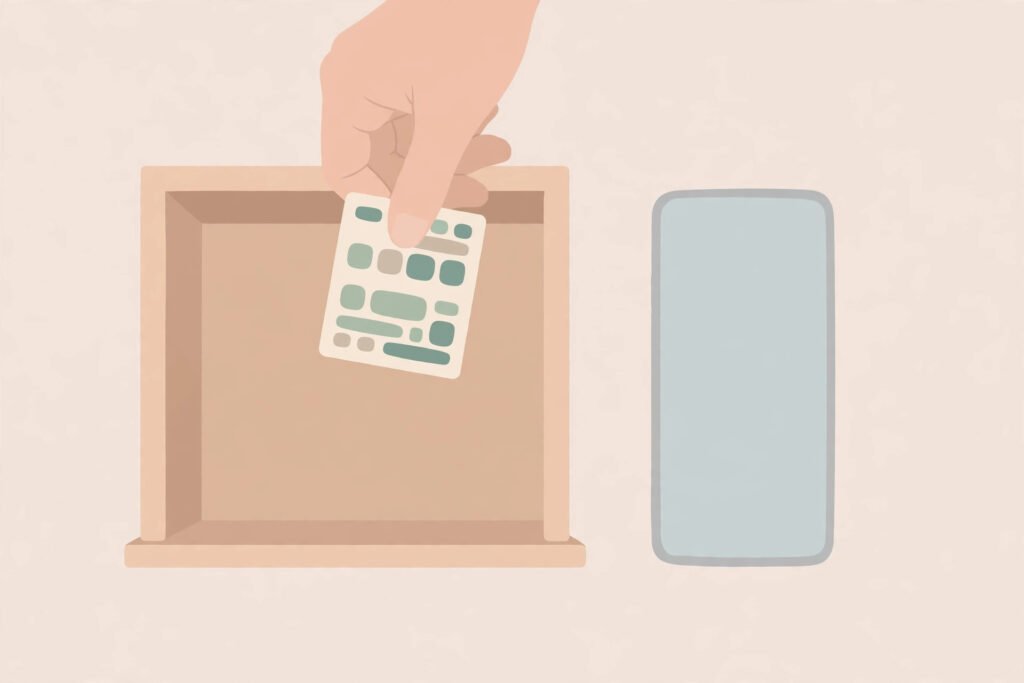
Recovery codes. When you enable two-factor, most services show a set of one-time backup codes. Print them or store them somewhere safe and offline — a drawer, not a screenshot in your photo roll. Each code works once, and they are your way back in.
Multiple second factors. Register two methods where possible: an authenticator app plus a security key, or two devices. If one is lost, the other still works.
Account recovery. As a last resort, services offer identity checks, but these are slow and sometimes fail. Recovery codes are faster and more reliable, which is why you should save them the moment they are shown.
Losing your phone without recovery codes is painful, but losing an account to a password breach is worse — and far more common. Set up recovery before you need it, not after.
Checklist: Setting Up Strong Sign-In
- Turn on two-factor or two-step on your email account first.
- Prefer an authenticator app or security key over SMS codes.
- Save your recovery codes somewhere safe and offline.
- Register a second method where the service allows it.
- Use a unique password for your email — never reuse it elsewhere.
- Review which devices are signed in, and remove ones you no longer use.
The guide to what is malware explains why a stolen password alone is often enough for an attacker — and why a second factor changes that equation completely.
Summary
Two-factor means two different kinds of proof; two-step means two stages, which may be the same kind twice. The label on the settings page matters less than the method: an authenticator app or security key gives you true two-factor strength, an SMS or email code gives you a weaker but still valuable second step. Either one turns a stolen password from a break-in into a dead end. Turn it on for your email first, save your recovery codes, and you have closed the single biggest hole in most people’s online security.
Frequently Asked Questions
What is the difference between two-factor and two-step?
Two-factor authentication uses two different categories of proof, such as something you know and something you have. Two-step verification uses two stages that may be the same category twice, such as a password plus an emailed code. Two-factor is the stronger design, but both beat a password alone.
Is two-step as safe as two-factor?
Not quite. If both steps depend on the same channel — for example, a password and an email code when the attacker already controls your email — one compromise can defeat both. A second factor on a separate device, like an authenticator app, avoids that weakness.
Should I use an authenticator app?
Yes, for any service that offers it. Authenticator apps generate codes on your phone that never travel over SMS or email, so they cannot be intercepted in transit, and they work without mobile signal.
Is SMS two-factor safe?
It is safer than no second factor, but weaker than an authenticator app or security key, because SIM swapping can let an attacker receive your codes. Use SMS only when a service offers no better option.
What happens if I lose my phone with two-factor enabled?
Use your saved recovery codes, or a second registered method such as a security key. That is why services show recovery codes when you enable two-factor — save them somewhere safe and offline before you need them.