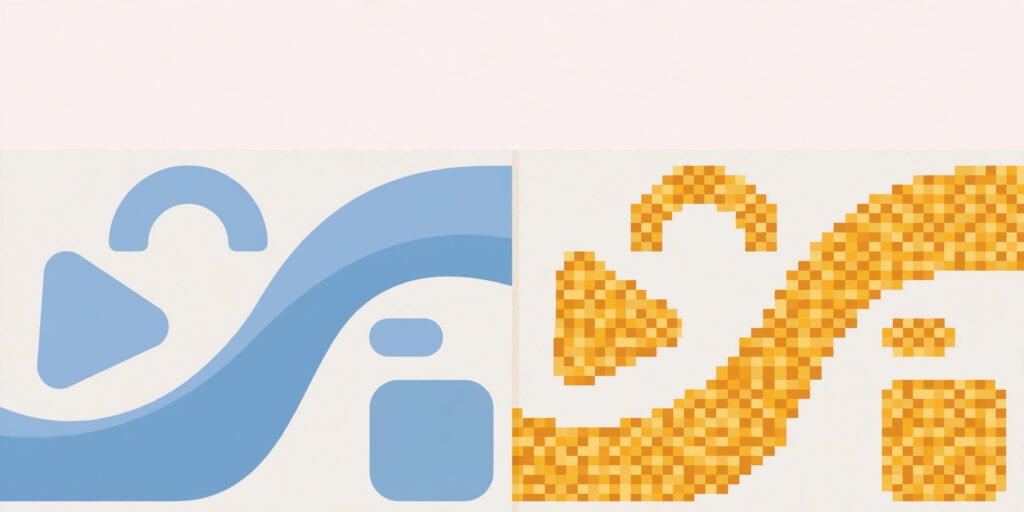
Vector and raster are the two ways digital images are built, and choosing the wrong one is the reason a logo turns blurry on a banner or a photo looks wrong in print. A raster image is a grid of coloured pixels — like a mosaic. A vector image is a set of mathematical instructions — lines, curves, and shapes that a computer redraws at any size. The practical consequence is simple: raster images lose quality when enlarged, because the pixels get stretched; vector images stay sharp at any size, because the instructions are recalculated. If you remember one rule, it is this: use vector for logos, icons, and text graphics; use raster for photographs and detailed artwork.
TL;DR / Key Takeaways
- Raster = a grid of pixels; enlarging it stretches the pixels and causes blur.
- Vector = mathematical shapes; it redraws perfectly at any size.
- Logos, icons, and illustrations: vector. Photos and complex artwork: raster.
- The format tells you the type: SVG, AI, and EPS are vector; JPG, PNG, and WebP are raster.
- You can convert vector to raster easily; going the other way needs tracing and never fully restores detail.
What Is a Raster Image?
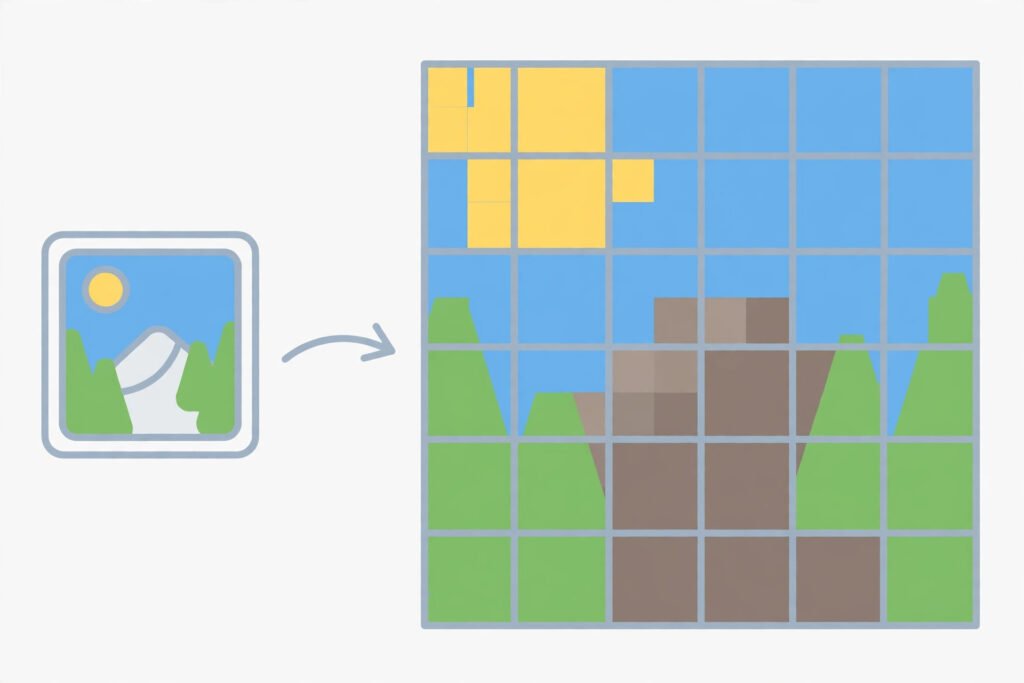
A raster image, also called a bitmap, is made of a fixed grid of tiny squares called pixels, each holding one colour. A photo from your phone, a screenshot, and a JPG from the web are all raster images. The number of pixels — the resolution — decides how much detail the image holds and how large it can be shown before it degrades.
The trade-off is fixed at creation. A 1000-pixel-wide image printed at a size that needs 2000 pixels has to invent the missing ones, and the result looks soft or blocky. That is why a small logo file looks fine on a business card but falls apart on a shop sign: the pixels were never there. Raster images also tend to have larger file sizes at high resolutions, because every pixel must be stored.
Common raster formats include JPG (best for photos, lossy compression), PNG (best when you need transparency or crisp edges), GIF (limited colours, short animations), and WebP (modern, efficient for the web). The guide to JPG vs PNG covers which of those two to pick for a given job, and the guide to what is CSS explains how websites display and scale these images on the page.
What Is a Vector Image?
A vector image contains no pixels at all. Instead it stores instructions: draw a curve from this point to that point, fill this shape with this colour, place this text in this font. When the image is displayed, software follows those instructions and draws it fresh at whatever size is needed. A logo drawn as a vector looks identical on a favicon and on a billboard, because nothing is being stretched — it is being redrawn.
That makes vector the right choice for anything that must appear at many sizes: logos, icons, typography, diagrams, and simple illustrations. Vector files are also usually small, because a handful of instructions can describe a whole shape, and they stay editable — you can change a colour or a curve without touching the rest.
The limits matter too. Vector is poor for photographs, because describing every leaf on a tree as a shape is impractical. Complex shading, textures, and photorealistic detail are where raster wins. Common vector formats are SVG (the web standard, and the one you will meet most), AI (Adobe Illustrator’s native format), and EPS (an older print format).

Vector vs Raster: The Decision Table
| Question | Answer |
|---|---|
| Is it a logo, icon, or text graphic? | Vector |
| Is it a photograph or detailed artwork? | Raster |
| Must it appear at many sizes, from tiny to huge? | Vector |
| Does it need transparency? | Either: PNG (raster) or SVG (vector) |
| Does it need photorealistic detail or texture? | Raster |
| Will it be edited again later? | Vector, if the artwork suits it |
| Is it for a website icon or logo? | SVG (vector) |
A useful shortcut: if you can describe the image as shapes and colours (“a red circle with white text”), it belongs in vector. If you can only describe it as a scene (“a sunset over mountains”), it belongs in raster.
What About Mixed Images — Photos With Text?
This is the case that trips people up most. A photo with a headline overlaid, or a screenshot with annotations, mixes both worlds. The standard workflow is to keep the two layers separate: the photo stays raster, the text and shapes stay vector, and they are combined only at export. That way the text stays sharp even if the photo is resized.
If you must export a single flat file, choose based on the dominant content. A poster that is mostly a photo with a small caption can go out as a high-resolution JPG or PNG. A diagram that is mostly shapes with one small photo should stay vector, with the photo embedded inside it. And always keep a master copy in the editable format — once you flatten to raster, the sharp text and clean shapes are gone for good.
Can I Convert Between Vector and Raster?
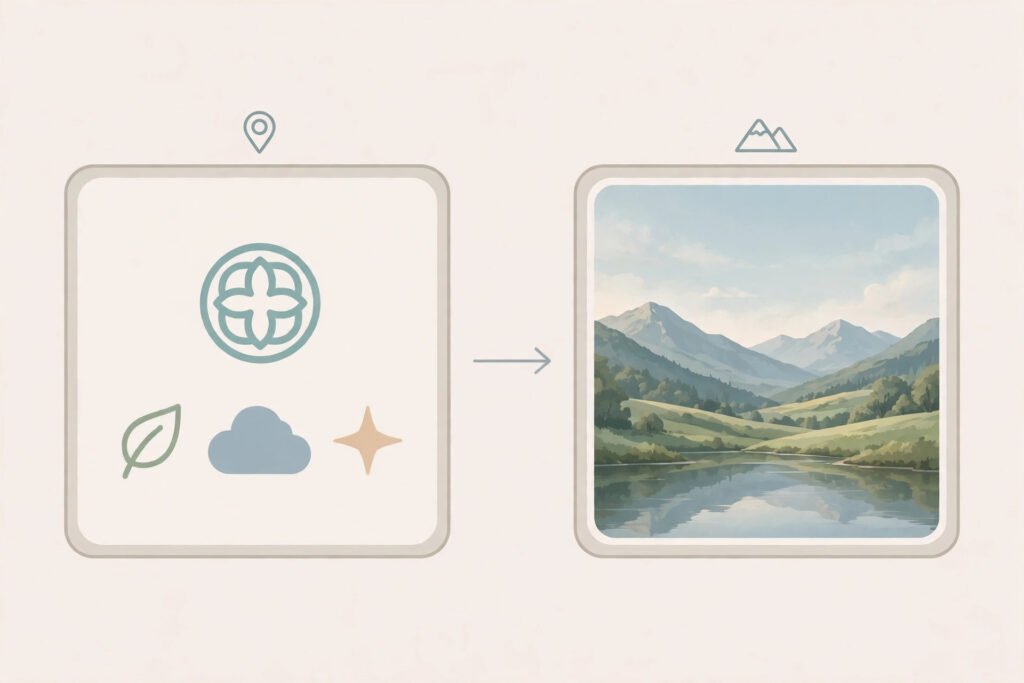
Vector to raster is easy and safe. Export an SVG to PNG or JPG at any resolution you like, and you get a pixel image of exactly the quality you asked for. This is how logos become website images and print files: design once in vector, export at each needed size.
Raster to vector is harder and lossy. Converting a pixel image to vector is called tracing or vectorising. Software follows the edges it can find and turns them into shapes. For simple artwork — a flat-colour logo, a line drawing — tracing works well. For a photograph, it produces a stylised poster-like result, not a faithful copy. It also cannot invent detail the pixels never had: a blurry raster logo traced into vector becomes a cleanly drawn blurry logo.
If someone sends you only a small JPG of a logo and you need it large, tracing is a workaround, not a rescue. The honest fix is to ask for the original vector file. And note that converting a format is not the same as improving an image: a JPG converted to SVG does not gain quality, it only changes how the existing quality is stored.
Checklist: Choosing the Right Type
- Is it a logo, icon, or text graphic? Choose vector (SVG).
- Is it a photo or detailed artwork? Choose raster (JPG for photos, PNG for transparency).
- Will it appear at many sizes? Choose vector.
- Does it mix photo and text? Keep layers separate; export by dominant content.
- Are you exporting a logo for the web? Export the vector as SVG, or as PNG at the exact sizes needed.
- Did you keep the editable master? Never flatten your only copy.
Summary
Raster images are pixel grids: perfect for photos, fixed in resolution, and blurry when stretched. Vector images are mathematical instructions: perfect for logos and graphics, infinitely scalable, and poor for photographs. Most everyday confusion comes from using one where the other belongs — a raster logo on a large banner, or a vector file expected to hold a photograph. Pick by content, keep your masters editable, and export from vector to raster whenever you need a pixel version.
Frequently Asked Questions
What is the difference between vector and raster?
A raster image is a grid of coloured pixels with a fixed resolution, so enlarging it causes blur. A vector image is a set of mathematical instructions for shapes and curves, so it redraws sharply at any size.
Which is better for logos?
Vector, almost always. A vector logo (usually SVG) stays sharp from a favicon to a billboard and remains editable. A raster logo only looks good up to its original pixel size.
Can I convert raster to vector?
Yes, by tracing, but the result is only as good as the source. Simple flat artwork traces well; photographs become stylised approximations, and a blurry source stays blurry. For a logo, ask for the original vector file instead.
Is SVG better than PNG?
For logos, icons, and simple graphics, yes: SVG scales perfectly and is usually smaller. For photographs or complex artwork, PNG (raster) is the right choice, since SVG cannot represent photo detail efficiently.
What happens if I enlarge a raster image too much?
The software stretches the existing pixels and guesses the missing ones, so edges soften and the image looks blurry or blocky. Starting from a higher-resolution original, or from a vector version, avoids this.