A CAPTCHA is a small test a website gives you to prove you are a human, not an automated program, before it lets you continue. The name stands for “Completely Automated Public Turing test to tell Computers and Humans Apart,” and the idea is simple: the site issues a challenge that is easy for a person and hard for a bot, and your response decides whether you get through. Picking out traffic lights in photos, typing wobbly letters, or simply ticking “I am not a robot” are all versions of the same challenge-response bargain — a few seconds of your time in exchange for keeping bots out.
TL;DR / Key Takeaways
- CAPTCHA stands for a test that tells computers and humans apart, automatically.
- The site sends a challenge; your response proves you are human before you proceed.
- Modern checks often run invisibly, scoring your behaviour instead of showing a puzzle.
- CAPTCHAs cut down spam and credential stuffing, but they are not unbreakable.
- If you keep getting them, your network, VPN, or browser setup is usually the reason.
What Does Challenge-Response Actually Mean?
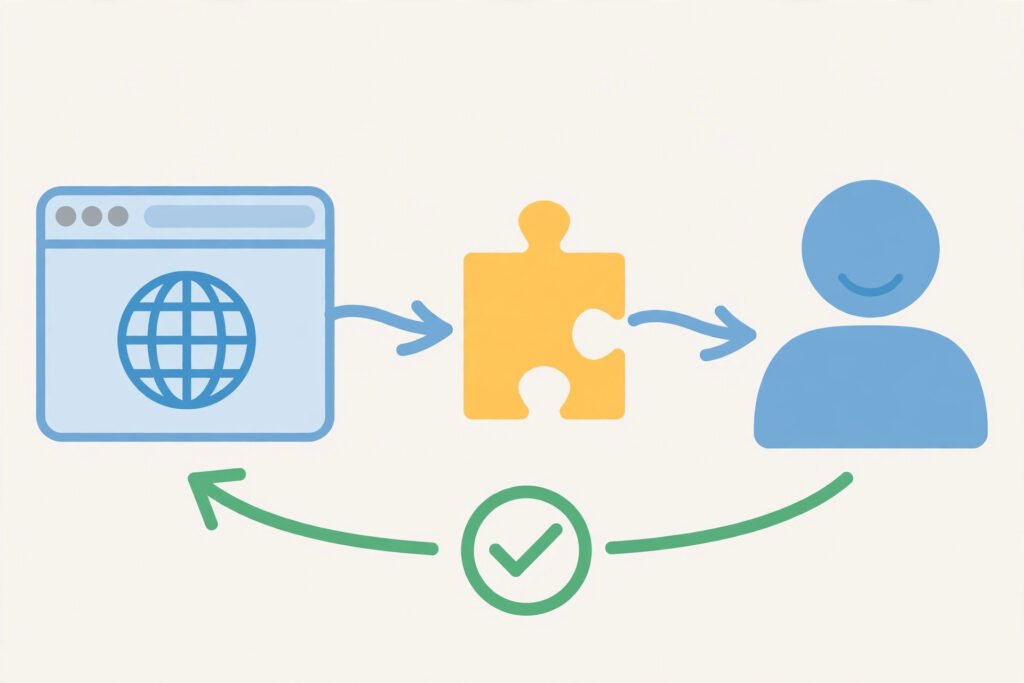
Challenge-response is a pattern, not a single puzzle. One side issues a challenge, the other side answers it, and the answer proves something about the responder. In a CAPTCHA, the challenge is designed around a gap between human and machine ability: reading distorted text, recognising objects in a scene, or behaving like a person browsing a page.
The classic version is the one most people picture. A site shows a string of bent, noisy letters and asks you to type them. Humans are good at reading through distortion; older bots were not. Newer versions replaced letters with image grids — select every square containing a bicycle — because image recognition was once the weak spot. The newest versions often show nothing at all: they watch how you arrived at the page, how your mouse moves, and how your browser behaves, then decide silently. In every case the structure is identical: challenge issued, response checked, access granted or refused.
Why Do Websites Use CAPTCHAs?
Websites use CAPTCHAs to raise the cost of abuse. A bot can submit a login form thousands of times a minute, trying stolen passwords one after another — an attack called credential stuffing. It can create fake accounts, flood comment sections with spam, scrape prices, or buy up limited tickets faster than any person. A CAPTCHA does not make those attacks impossible, but it forces each attempt to pass a human test, which slows bots down enormously and makes large-scale abuse expensive and visible.
That is why you meet CAPTCHAs exactly where abuse hurts most: sign-in pages, account creation, password resets, checkout, comment forms, and ticket sales. A site that never asks is either small enough that bots have not found it yet, or it is filtering abuse some other way.
How Do the Different Types Work?
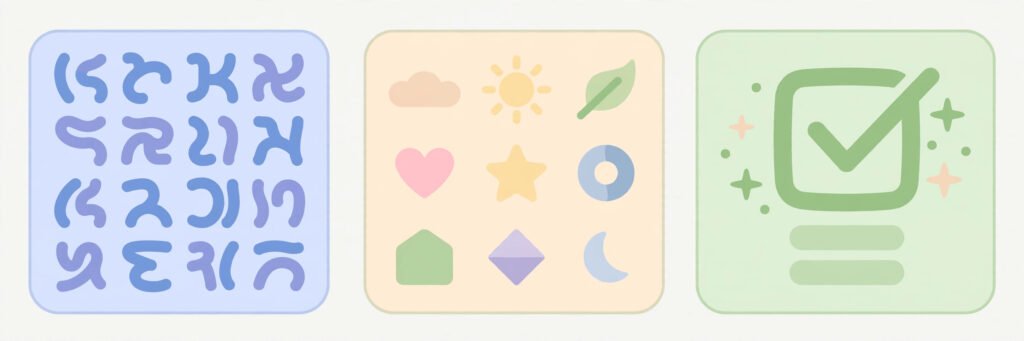
| Type | What you see | What it actually checks |
|---|---|---|
| Text CAPTCHA | Distorted letters and numbers to type | Reading through visual noise |
| Image grid | Squares to select by object, e.g. bicycles | Object recognition in context |
| Checkbox (“I am not a robot”) | A single tick box | Behaviour before the click: mouse movement, timing, browser signals |
| Invisible CAPTCHA | Nothing at all | Risk score from browsing behaviour and reputation |
| Audio CAPTCHA | Spoken digits or letters to type | Listening comprehension, offered as an accessible alternative |
| Proof-of-work | A brief delay before the page loads | Your device doing a small computation, which is cheap once but costly at bot scale |
The checkbox version surprises people, because ticking a box seems too easy to stop anything. The box itself is not the test — the test is everything that happened before you clicked. A real person arrives with a history of normal browsing, moves a mouse in an uneven human way, and takes a plausible amount of time. A bot typically arrives cold, moves in straight lines or not at all, and acts instantly. The checkbox is just the moment the score is read.
Why Do I Keep Getting CAPTCHAs?
Getting one occasionally is normal. Getting them constantly usually has a cause:
You share an IP address with many strangers. Public Wi-Fi, a mobile network, a dorm, or a VPN exit node can put hundreds of users behind one address. If any of them behaved like a bot, the address earns a bad reputation and everyone on it gets challenged. The guide to what is a VPN explains how a VPN changes your visible address — and why that can trigger exactly this.
Your browser looks unusual. Aggressive privacy settings, blocked cookies, disabled JavaScript, or a heavily modified browser can strip away the signals an invisible check uses to recognise a normal visitor. With nothing to score, the site falls back to a visible puzzle.
You are moving fast. Submitting forms rapidly, refreshing repeatedly, or opening many pages in seconds looks automated, even when a person is doing it. Slowing down usually stops the loop.
The site is under attack. During a bot wave, sites raise their defences and challenge more visitors. If a site you use daily suddenly challenges you every time, it may be defending itself rather than suspecting you.
Practical fixes, in order: complete one challenge cleanly rather than refreshing past it, try a different network or disconnect the VPN, allow cookies and JavaScript for the site, and avoid rapid-fire form submissions. If the problem follows you across sites and networks, check whether your device is running something unexpected — the guide to what is malware covers the signs that a device is doing things its owner did not ask for.
Are CAPTCHAs Still Effective?
Honestly: partly. They remain good at stopping casual, large-scale bots — the kind that spray spam across thousands of sites. They are much weaker against determined attackers. Modern image recognition solves many image grids, and there are services where real humans solve CAPTCHAs for fractions of a cent each, which defeats the entire premise for anyone willing to pay.
They also have real costs. They frustrate legitimate users, they slow down sign-in and checkout, and they can exclude people: visual puzzles are hard for blind users, audio alternatives are often low quality, and some puzzles assume cultural or language knowledge. That is why the industry is moving toward invisible, behaviour-based checks and passkeys — proving you are human without asking you to prove it every time.
The fair summary is that a CAPTCHA is a speed bump, not a wall. It filters out the laziest abuse and buys a site time, but it is one layer among several: rate limiting, account lockouts, device reputation, and two-factor sign-in do the heavier work behind it.
Checklist: Getting Past CAPTCHAs With Less Friction
- Complete the challenge once instead of refreshing to a new one.
- On a shared or VPN address, try a different network to see if the loop stops.
- Allow cookies and JavaScript for the site you are using.
- Slow down rapid form submissions and page refreshes.
- Use the audio alternative if the visual puzzle is inaccessible to you.
- If challenges follow you everywhere, check your device for unwanted software.
Summary
A CAPTCHA is a challenge-response test: the site poses a task that humans handle easily and bots handle badly, and your response earns you passage. Text puzzles, image grids, checkboxes, and invisible behaviour checks are all the same idea in different clothes. They work best as one layer of defence against mass abuse, they fail against determined attackers, and they cost real users time and patience — which is why they are slowly giving way to quieter ways of telling humans from machines. When they appear constantly, the cause is usually your shared address, your browser setup, or your speed, and each of those has a straightforward fix.
Frequently Asked Questions
What is a CAPTCHA challenge?
A CAPTCHA challenge is a task a website gives you to prove you are human, such as typing distorted letters, selecting images, or ticking a checkbox. Your response is checked before the site lets you continue.
Why do I keep getting CAPTCHAs?
Usually because you share an IP address with many other users (public Wi-Fi, mobile networks, or a VPN), because your browser blocks the signals an invisible check needs, or because you are submitting forms unusually fast. Any of these makes a site challenge you more often.
Are CAPTCHAs still effective?
Partly. They stop casual mass bots well, but modern image recognition and paid human-solving services can beat them. They work best as one layer alongside rate limiting, lockouts, and two-factor sign-in, not as a complete defence on their own.
What is the difference between a CAPTCHA and reCAPTCHA?
CAPTCHA is the general name for the test. reCAPTCHA is Google’s widely used version of it, which includes the “I am not a robot” checkbox and the invisible behaviour-based checks many sites use today.
Is there an accessible alternative to visual CAPTCHAs?
Most CAPTCHA systems offer an audio version that reads out digits or letters to type instead. If neither works for you, look for the site’s accessibility or support contact — many sites can verify you another way.