Picture a team building software for a bank. The system must run reliably for years, handle thousands of transactions, and be maintained by developers joining a decade later. The team does not need the trendiest language; it needs one that is stable, well documented, and hard to break by accident. Again and again, teams in that situation choose Java.
So what is Java? The Java programming language is a general-purpose, object-oriented language designed to be platform independent: you write a program once, compile it into Java bytecode, and run it on any device with a Java Virtual Machine (JVM). That principle, “write once, run anywhere”, explains Java’s history and staying power.
Table of Contents
A Short History That Explains Java’s Character
Java history begins in the early 1990s at Sun Microsystems, where a team led by James Gosling was working on software for consumer devices. The project needed a language that could run on different hardware without being rewritten for each machine, and that was robust enough to keep running when something went wrong. Java was released publicly in the mid-1990s, just as the web was taking off, and its portability made it an obvious fit for a world of many different machines.
Sun Microsystems was later acquired by Oracle, which now stewards the language, while development continues openly with a large community. That long history cuts both ways: Java has changed more slowly than some newer languages, but it has accumulated an enormous ecosystem of libraries, frameworks, and experienced developers. When people ask “is Java still relevant”, the honest answer depends on the job. For large, long-lived systems, it remains widely used; for a quick prototype or data-analysis script, another language may be faster to write.
One confusion deserves clearing up at the start. Java is not JavaScript. The names sound alike for historical reasons, but they are different languages with different designs and uses. If a tutorial or course mixes them up, treat that as a warning sign.
What Is Java Used For?
Java applications span far more than one niche. The table below shows where Java most often earns its keep.
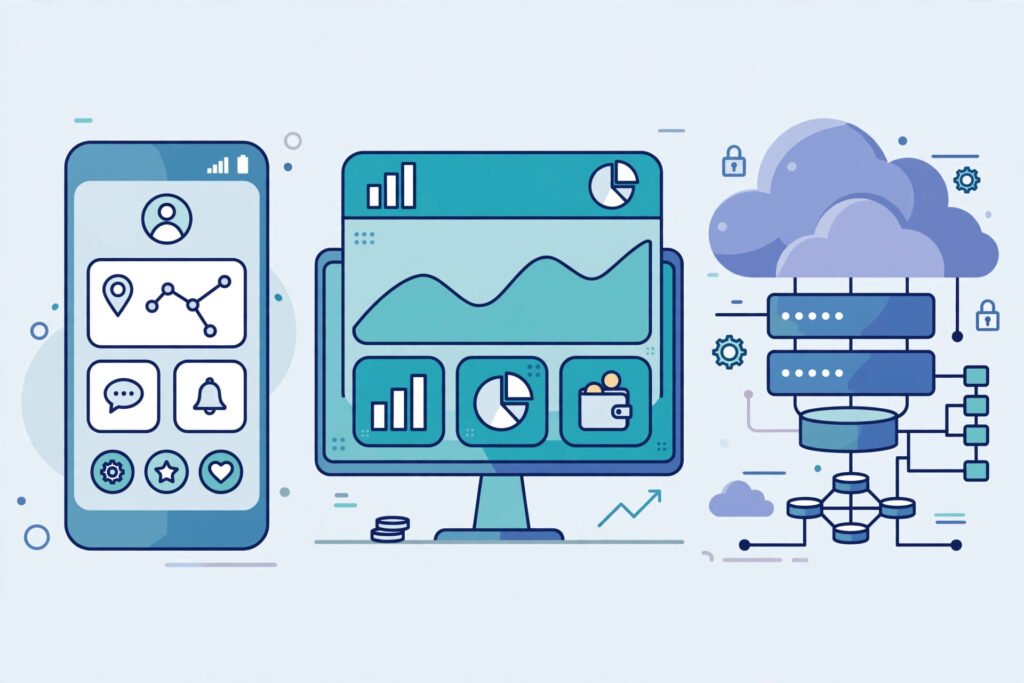
| Area | Why Java fits | Typical examples |
|---|---|---|
| Android apps | Android’s traditional app language; strong tooling | Banking, shopping, and messaging apps |
| Enterprise applications | Stable, scalable, and easy to maintain at scale | Banking systems, insurance platforms, internal business tools |
| Web back ends | Mature frameworks and database support | Online services, booking systems, APIs |
| Big data and cloud systems | Handles heavy, concurrent workloads | Data processing pipelines, cloud services |
For Android, Java was for many years the standard language. Although Kotlin is now Google’s preferred language for new Android work, vast amounts of existing Android code are still Java, and Java skills transfer directly to Kotlin. In enterprise applications, the Spring Framework handles much of the repetitive work of building web services, security, and database access. Java development also relies on build tools such as Apache Maven, which manage libraries, and on environments such as IntelliJ IDEA and Eclipse, which catch errors early.
Java is also a common teaching choice: universities have used it for decades because its strict rules force beginners to think carefully about types, structure, and design. That strictness can feel slow at first, but it builds habits that pay off on large projects.
How Java Works: From Source Code to a Running Program
Understanding the JVM is the fastest way to understand Java. Most compiled languages translate source code directly into machine code for one type of computer. Java takes an extra step, and that step is the source of its cross-platform portability.
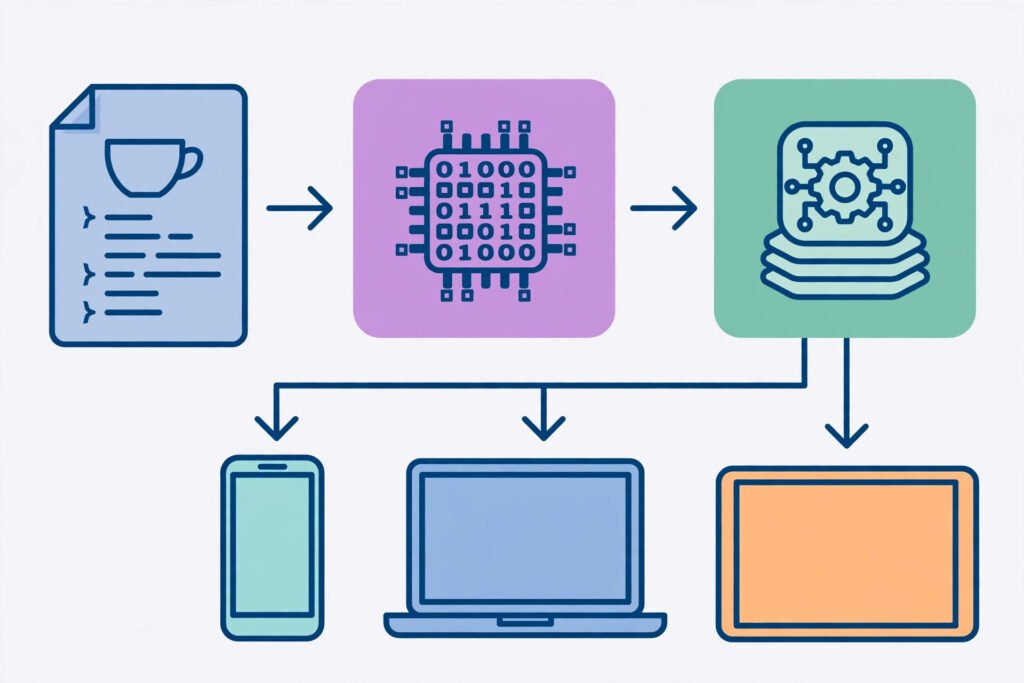
- You write source code. A Java program is written in files ending in
.java, using Java syntax: classes, methods, and statements a human can read. - The compiler produces bytecode. The Java compiler checks your code for errors and translates it into Java bytecode, a compact, platform-neutral instruction set stored in
.classfiles. - The JVM runs the bytecode. On any computer, phone, or server with a JVM installed, the JVM reads the bytecode and translates it into actions that machine can perform. The same bytecode can therefore run on Windows, macOS, and Linux without recompiling.
- The runtime manages memory and safety. The JVM handles garbage collection — automatically reclaiming memory a program no longer uses — and checks code for unsafe operations. This is a large part of Java’s reputation for robust, secure programming.
Java is object-oriented: programs are organised around objects, bundles of data and the methods operating on that data. A bank account object, for example, might hold a balance and provide deposit and withdraw methods. This makes large systems easier to understand, test, and change.
Two more Java features matter in practice. Multithreading lets a program do several things at once — handling many users, or downloading a file while keeping the interface responsive — and Java has built-in support for it. And because Java is a compiled language with strong type checking, many mistakes are caught before the program ever runs, rather than surfacing as crashes for users.
A Worked Example: Your First Java Program, Explained
A classic first program prints a greeting. Here it is, with each part explained:
public class Greeting {
    public static void main(String[] args) {
        System.out.println("Hello, Java!");
    }
}
public class Greeting defines a class, the basic building block of a Java program; the file must be named Greeting.java to match. Inside it, main is the special method where every Java application starts. System.out.println sends text to the screen, and the semicolon ends the statement — a detail beginners often forget, and one the compiler will point out.
When you compile this file, you get Greeting.class containing bytecode. When you run it, the JVM loads that class, finds main, and prints the greeting. The same class file runs on a colleague’s different machine, provided a JVM is installed. From here, a beginner’s next steps are natural — add a variable, read user input, repeat an action with a loop, then split the program into methods and classes. Each step reuses the same mental model, which is why Java for beginners, despite its verbosity, is a gentle on-ramp to serious software engineering.
Java vs Python: Which Should You Learn First?
No honest comparison declares a universal winner: the two languages optimise for different things. Python is concise and quick for scripting, automation, and data work. Java is more verbose but more explicit, which helps when programs grow large and many people must maintain them.
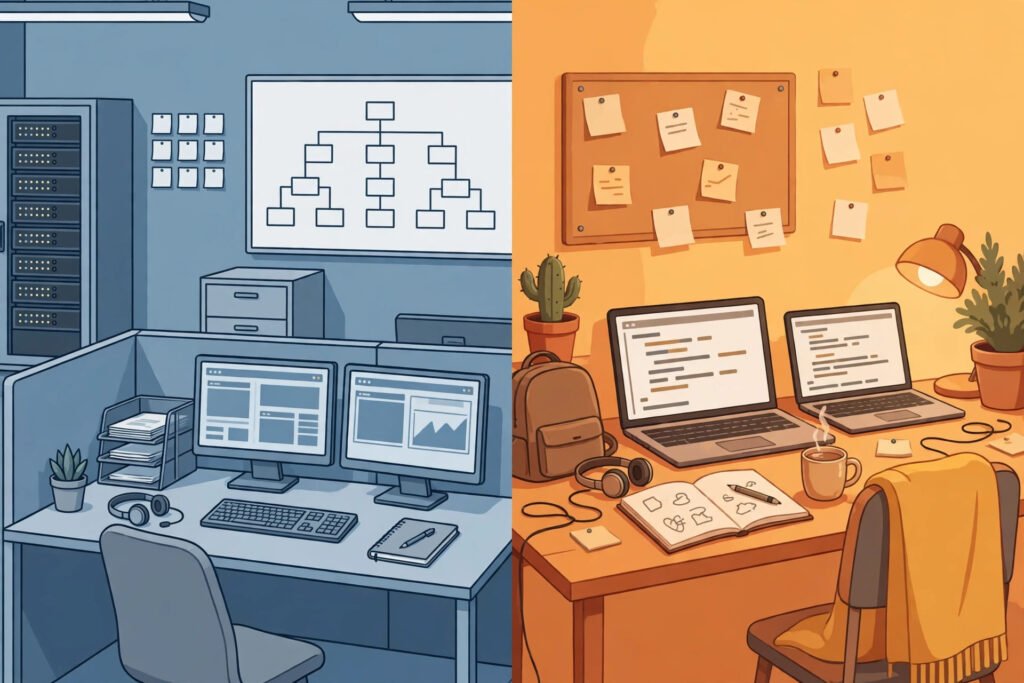
| Question | Java | Python |
|---|---|---|
| Writing style | Verbose, explicit types | Concise, flexible types |
| Best first use | Large apps, Android, enterprise systems | Scripts, data analysis, quick prototypes |
| Speed of writing small programs | Slower to start | Faster to start |
| Performance for heavy workloads | Generally strong, with JVM optimisation | Often needs extra libraries for speed |
| Job market | Deep demand in enterprise and Android | Deep demand in data, web, and automation |
If your goal is to learn Java programming for a career in enterprise software or Android development, Java is the direct route. If your goal is to automate tasks or analyse data quickly, Python may serve you sooner. Many developers eventually learn both, and the concepts transfer: an algorithm works the same way in either language; only the syntax changes. A practical tie-breaker is your target job adverts: read ten postings for roles you want, and let their language requirements decide.
Java’s ecosystem also matters for deployment. Modern Java services commonly run in cloud computing environments, scaled up or down with demand, and they connect to databases such as MySQL. That is ordinary, production Java work: not glamorous, but exactly the kind of reliable plumbing businesses pay for.
Common Mistakes When Learning Java
Confusing Java with JavaScript. They share a name fragment and almost nothing else.
Treating the compiler as an enemy. Read the first error, fix it, and recompile; most beginners’ problems are a missing semicolon, a mismatched bracket, or a class name that does not match its file name.
Copying code without understanding it. A chatbot or forum answer can produce working code you cannot explain or fix. Type it yourself, change one thing at a time, and observe what breaks.
Skipping object-oriented design. Beginners often write everything inside main, producing one long, tangled method. Practise splitting programs into small classes with clear jobs early.
Chasing frameworks too soon. Spring and Android libraries hide the fundamentals. Spend time on core Java — classes, collections, exceptions, and file handling — before adding a framework.
Assuming Java is dead because it is old. Languages fade when their ecosystem stops solving real problems. Java’s ecosystem, from Android codebases to enterprise systems, is still actively maintained and hiring.
Your Checklist: What to Do Next With Java
Use this checklist to move from reading about Java to using it:
- Install a current Java Development Kit (JDK) and a free editor such as IntelliJ IDEA Community Edition or Eclipse.
- Write, compile, and run the greeting program above, then modify it to print your name and a simple calculation.
- Learn variables, conditionals, loops, methods, and arrays — the core of Java syntax — through small daily exercises.
- Build a console project with real structure, such as a to-do list or bank account, using separate classes.
- Learn collections, exception handling, and file reading, then connect a small program to a database.
- Only then pick a direction: Android development or Spring-based web services, and build one complete project in it.
What to do next also depends on honest self-assessment. If you enjoy Java’s explicitness, commit to it for several months; switching languages every few weeks is the slowest way to learn any of them. If you find Java verbose, that is a genuine trade-off, not a flaw in your understanding.
Related Reading
Frequently Asked Questions
What is Java used for?
Java is used for Android apps, enterprise applications, web back ends, big data systems, and cloud services. Its portability and stability suit large, long-lived software that many developers must maintain.
Is Java the same as JavaScript?
No. Java and JavaScript are different languages with different designs and uses. Java is a compiled, object-oriented language that runs on the JVM; JavaScript is primarily the language of web browsers.
Is Java still relevant today?
Yes, particularly for enterprise applications and existing Android codebases. Newer languages have taken some niches, but Java’s ecosystem, tooling, and installed base keep it in heavy professional use.
Is Java good for beginners?
Java can be a good first language if you value structure and aim at professional software development, though its syntax is more verbose than Python’s. Beginners who want the fastest start with scripting or data work may prefer Python first.
Do I need to learn the JVM to learn Java?
Not in depth at first, but a basic understanding helps enormously: source code compiles to bytecode, and the JVM runs it on any platform. That one idea explains Java’s portability, safety checks, and garbage collection.