5G is the fifth generation of mobile network technology, the successor to 4G. In simple terms, it is the system your phone uses to connect to the internet through mobile masts instead of Wi-Fi, designed to carry more data, respond faster, and support many more connected devices at once than 4G. Whether you notice that improvement depends less on the “5G” label on your screen and more on your phone, your plan, the band you are connected to, and coverage where you actually stand.
Table of Contents
TL;DR / Key Takeaways
- 5G is a newer mobile network standard, not a feature you can download or switch on by app.
- Compared with 4G, it is designed for higher speeds, lower delay, and greater capacity in busy places.
- Low band reaches further, high band can be much faster but covers a much smaller area.
- You need a 5G-capable phone, a plan that includes 5G, and coverage where you are.
- If 4G already handles your everyday tasks well, you do not need to rush to upgrade.
How does 5G work in plain English?
Think of a mobile network as a road system between your phone and the internet: your phone sends radio signals to a nearby mast, which connects to the operator’s network and then to the internet. Earlier generations differed in the same way: 1G carried analogue voice calls, 2G added digital voice and texting, 3G brought mobile internet, and 4G made mobile video practical.
5G rebuilds and extends that system. It can use a wider range of radio frequencies, serve many devices in a crowded area more efficiently, and react more quickly — lower delay, called latency, is why a video call feels immediate rather than lagging.
How is 5G different from 4G?
The table below gives the practical difference. Real-world results vary by operator, location, signal strength, congestion, and device.
| Feature | 4G | 5G |
|---|---|---|
| Generation | Fourth generation mobile network | Fifth generation mobile network |
| Designed for | Mobile broadband, video, and apps | Faster broadband, more devices, more responsive connections |
| Speed | Fast enough for most streaming and calls | Designed to be faster, especially on mid and high bands |
| Delay (latency) | Noticeable in interactive uses | Designed to be lower, so interactive uses feel immediate |
| Capacity in crowds | Can slow when many share a mast | Designed to handle many more connections |
| Coverage approach | Mainly wider-reaching lower frequencies | Mix of low, mid, and high bands |
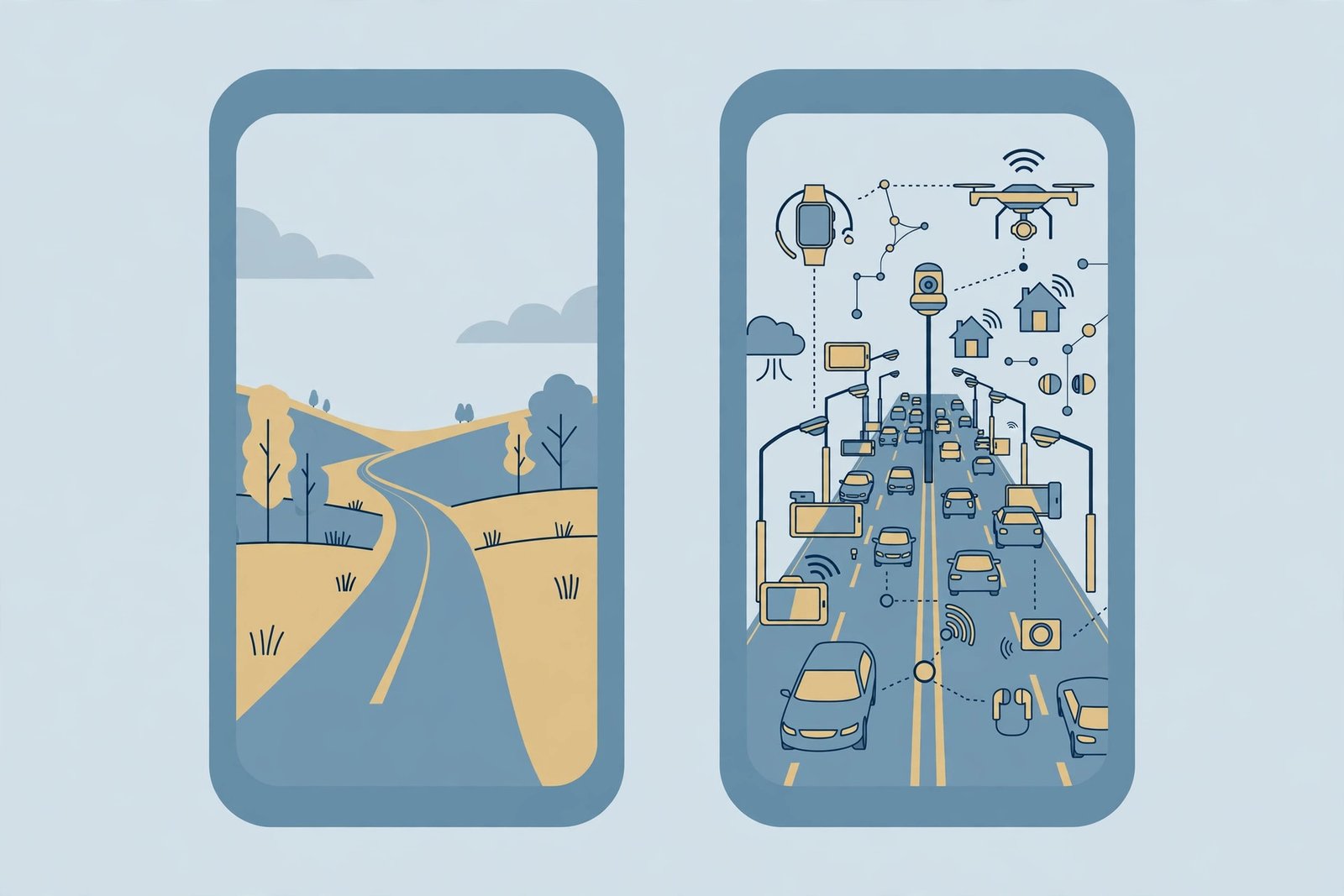
In short, 4G is a strong general-purpose network. 5G adds busier areas, more devices, and uses where delay matters more — so good 4G can still feel fine for everyday browsing, while 5G shows its clearest advantage in a packed stadium or busy station.
What do low, mid, and high band 5G mean?
“Band” means the radio frequency range your phone is using. Lower frequencies travel further and pass through walls better, but carry less data at once. Higher frequencies can carry far more data, but do not travel as far and are blocked more easily by buildings.
- Low band: Widest coverage, including rural areas and indoors, but often only modestly faster than good 4G.
- Mid band: A balance of coverage and speed — the clearest step up from 4G for most people in towns and cities.
- High band: Very fast in a small area, such as a city centre or stadium, but coverage drops quickly with distance and obstacles.
Operators mix these bands, and your phone moves between them — and back to 4G — as you move. That is why two people on the same network can have very different experiences a few streets apart.
Why does 5G sometimes feel no faster than 4G?
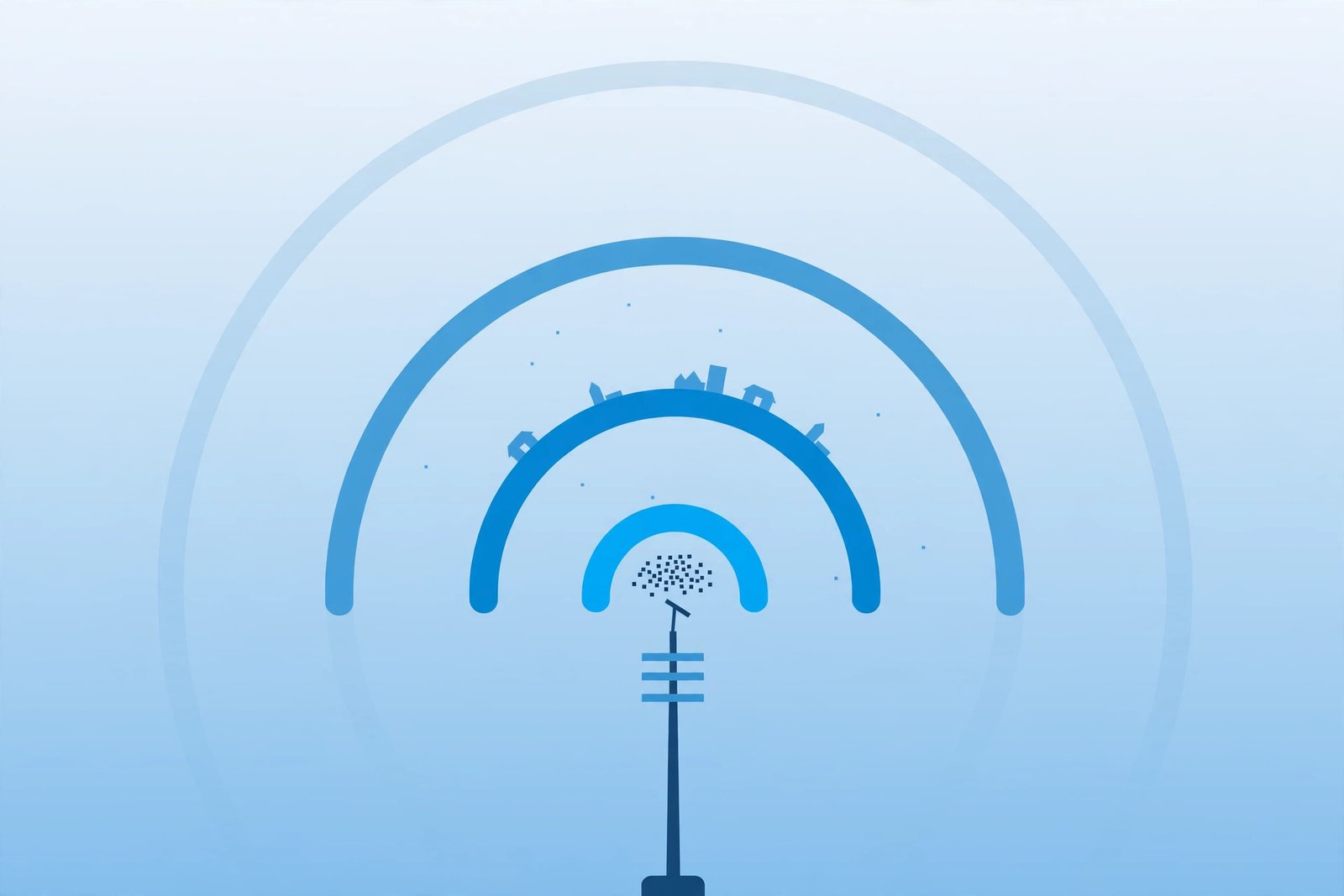
First, the “5G” icon only means your phone is connected to a 5G network or is in an area where 5G is available; it does not guarantee the fastest band or an uncongested connection. Second, some 5G deployments still rely heavily on the older 4G core network behind the scenes, so the full responsiveness of a dedicated 5G core is not yet in play everywhere. Third, congestion matters: a busy mast, a weak indoor signal, or a slow website or app can limit what you feel, even on a fast network.
A slow page is not always a network problem: stored content, explained in what cache is, can make repeat visits feel instant. Before blaming 5G, try Wi-Fi, move near a window or outdoors, and check whether one app or everything is slow.
How to check if your phone and plan support 5G
Check device, plan, and coverage before buying anything. No app can add 5G to a phone that lacks the hardware, and a new SIM alone does not turn an older phone into a 5G phone.
- Check your exact phone model. Go to Settings, then About Phone (or General, then About on iPhone) and note the exact model name and number. Search that model on the manufacturer’s specification page for 5G support — similar names can support different bands.
- Check your network settings. On Android, look under Settings, then Network and Internet, then Mobile Network, for a preferred network type that lists 5G. On iPhone, check Settings, then Mobile Data, then Mobile Data Options. If 5G is not listed, your phone likely does not support it.
- Check your plan with your operator. Ask whether your current plan includes 5G access. Some older plans do not include it even on a 5G-capable phone.
- Check coverage where you live and work. Use your operator’s coverage map as a guide, not a promise. Check your home, workplace, and commute separately, and ask people nearby what they actually get indoors.
- Test in the real world. If all three checks pass, step outside or near a window and see whether everyday tasks genuinely improve. A map cannot tell you how a signal behaves inside your building.
Do you need to upgrade to 5G?
For many people, the honest answer is: not urgently. Use this decision guide rather than upgrading for the label alone.
Upgrading makes sense if you regularly use mobile data for video, work, or video calls, your area has solid mid-band coverage, your phone is due for replacement anyway, or 4G feels congested where you spend most of your time.
Waiting makes sense if you mainly call, message, and browse lightly, your 4G already feels fast enough, coverage where you live is patchy, or your current phone still works well. Buy a 5G-capable phone when you next replace your handset, without paying extra for a 5G plan until coverage reaches you.
Practical checklist before you pay anything
- I have confirmed my exact phone model supports 5G.
- I have confirmed my plan includes 5G.
- I have checked coverage at home, at work, and on my commute.
- I have a real reason to want it: faster data, better busy-place performance, or a due phone replacement.
- I know 4G will keep working as a fallback outside 5G areas.
What 5G does not do: Wi-Fi, home broadband, and privacy
First, 5G does not replace Wi-Fi at home. Wi-Fi connects devices to your home router; 5G connects your phone to a mobile operator. At home, Wi-Fi is usually steadier indoors. Second, 5G home broadband — a router using a mobile signal instead of a fixed line — is a different product, and its value depends entirely on signal strength at that address.
Third, 5G does not make you anonymous. Websites can still see an address for your connection — see what your IP address is. For extra privacy on public networks, a virtual private network encrypts your connection in a way 5G alone does not, as explained in what a VPN is. No “5G booster” app can add missing hardware, bands, or plan access.
Battery and data: what to expect
5G can use more battery than 4G, particularly with a weak signal or frequent switching between 4G and 5G. Most phones offer a “5G Auto” setting that uses 5G when it helps and falls back to 4G otherwise — a sensible default. If battery matters more than peak speed, switching to 4G-only temporarily is reasonable.
A faster connection does not create data by itself, but it makes it easier to use data quickly. On a limited plan, check usage after switching and keep video quality on automatic on mobile data.
On health, the plain position is this: 5G uses radio waves in the same broad family as earlier mobile networks, including 4G. This article makes no medical claims.
Summary
5G is the fifth generation of mobile technology, designed for faster speeds, lower delay, and far greater capacity than 4G. Its benefit depends on your band, coverage where you stand, and whether your phone and plan support it. Check those three before paying. If 4G serves you well, waiting is a good choice — judge 5G by your everyday tasks, not the icon on your screen.
Related Reading
Frequently Asked Questions
Do I need a new phone to get 5G?
Yes, if your current phone does not support 5G. It needs compatible radio hardware, so software, a new SIM, or an app cannot add it. Check your exact model on the manufacturer’s specification page.
Why does my phone show 5G but still feel slow?
The icon shows a connection, not a guaranteed speed. You may be on low band, in a congested area, indoors with a weak signal, or using a slow app. Try moving outdoors or near a window, and test whether everything or just one app is slow.
Does 5G replace Wi-Fi or home broadband?
No. Wi-Fi connects devices within your home, while 5G is a mobile network. At home, Wi-Fi is usually steadier, and 5G home broadband is a separate product depending on signal at your address.
Can an app or a new SIM upgrade my old phone to 5G?
No. No app can unlock 5G on unsupported hardware, and a new SIM does not add 5G radios to a phone. Keep using 4G, which still works well for most everyday tasks, or replace the handset with a 5G-capable model.
Will 4G stop working when 5G spreads?
No, not in the foreseeable future. Phones fall back to 4G outside 5G coverage, and 4G remains the backbone for voice calls and everyday data. Keeping a 4G phone does not mean losing service.