
CSS stands for Cascading Style Sheets. It is the language that controls how a website looks: its colours, fonts, spacing, layout, and how it adapts to different screen sizes. HTML provides the structure and content of a page — the headings, paragraphs, images, and links — while CSS decides how all of that content is presented. Without CSS, every website would look like a plain document: black text on a white background, with everything stacked one after another.
Table of Contents
TL;DR — Key Takeaways
- CSS means Cascading Style Sheets, and it styles colours, fonts, spacing, layout, and responsiveness.
- HTML is structure, CSS is presentation, and JavaScript is behaviour.
- A CSS rule has a selector plus declarations.
- The “cascade” decides which style wins.
- One website can fit a phone, tablet, and desktop thanks to responsive design.
- You can try CSS today with just a text editor and a browser.
What Does CSS Actually Do on a Website?
CSS controls the look of a website. It decides the colour of a headline, the size and style of text, the spacing around a menu, what happens when you hover over a button, and how a page rearranges itself on a phone. In short, CSS covers colours and backgrounds, typography, spacing, layout, responsive behaviour, and borders, rounded corners, and shadows.
CSS does not create content or add functionality alone. That is why a page can briefly load as plain text before snapping into its designed layout: the content has arrived, but the styling has not yet been applied.
How Do HTML, CSS, and JavaScript Work Together?
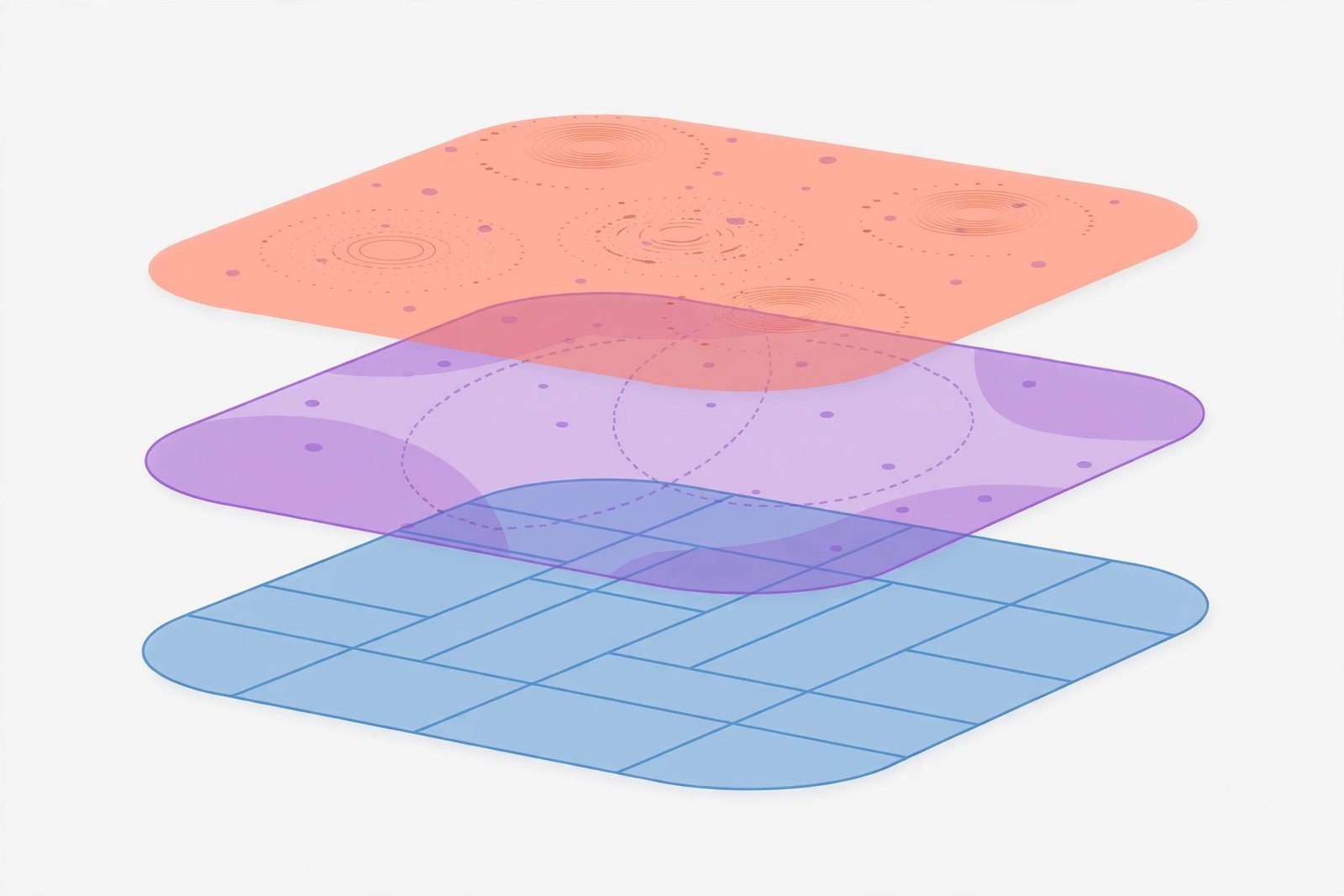
Think of a house: HTML builds the rooms and walls, CSS paints and furnishes them, and JavaScript wires up the lights and doors. HTML, CSS, and JavaScript each have a different job, and a modern website needs all three working together.
| Technology | Role | What it controls |
|---|---|---|
| HTML | Structure and content | Headings, paragraphs, images, and links |
| CSS | Presentation and layout | Colours, fonts, spacing, and layout |
| JavaScript | Behaviour and interactivity | What happens when you click, type, or scroll |
Images also sit inside this structure. Choosing the right image format matters too, and the guide to JPG vs PNG explains when each format works best.
How Does a CSS Rule Work?
A CSS rule is made of a selector and declarations. The selector chooses which element to style, and each declaration is a property plus a value. For example:
h1 {
  color: #1a3a5c;
  font-size: 36px;
}
In this example, h1 targets every main heading, color and font-size are properties, and the dark blue colour and 36px are values. Element selectors target a type of element, class selectors target a named group, and ID selectors target one specific element.
The box model is also central to CSS. Every element is treated as a box made of content, padding (space inside the border), border, and margin (space outside the border). Colour, background, font size and family, margin, padding, and width cover most everyday styling.
What Is the Cascade, and Why Is My CSS Not Working?
The cascade is the set of rules that decides which style wins when several rules target the same element. Browser defaults sit at the bottom, and site styles normally override them. A more specific selector beats a less specific one, and when two rules are equally specific, the later one wins. Styles also pass down from parent elements unless they are overridden.
If your style is not working, check these in order: a more specific or later rule winning; a stylesheet not linked correctly; a browser cached old stylesheet, which a hard refresh can clear — see what is cache; a typo or missing brace; or a selector that does not match your HTML. Developer tools can show which rules are actually applied.
What Are the Three Ways to Add CSS, and Which Should I Use?
| Method | How it works | Use it when |
|---|---|---|
| Inline CSS | Inside an element | A single one-off exception, rarely the right choice |
| Internal CSS | A style block inside a page | One page has unique styling, or a quick experiment |
| External CSS | A separate .css file linked to pages | Real websites, where one file styles every page |
External CSS is the standard for real websites: one colour change updates every page, and cached files speed up repeat visits. Internal CSS is fine for learning, and moving to external CSS is an early step.
How Can I Try CSS in Five Minutes?
- Create an
index.htmlfile with a heading and a paragraph. - In the same folder, create a
styles.cssfile. - Add a rule changing the heading colour and font size.
- Link the stylesheet from the head of your HTML.
- Open
index.htmlin a browser, change a value, save, and refresh.
Follow the loop: change, save, refresh, observe. Then add a paragraph rule, then a class that styles only one element.

What Is Responsive Design in CSS?
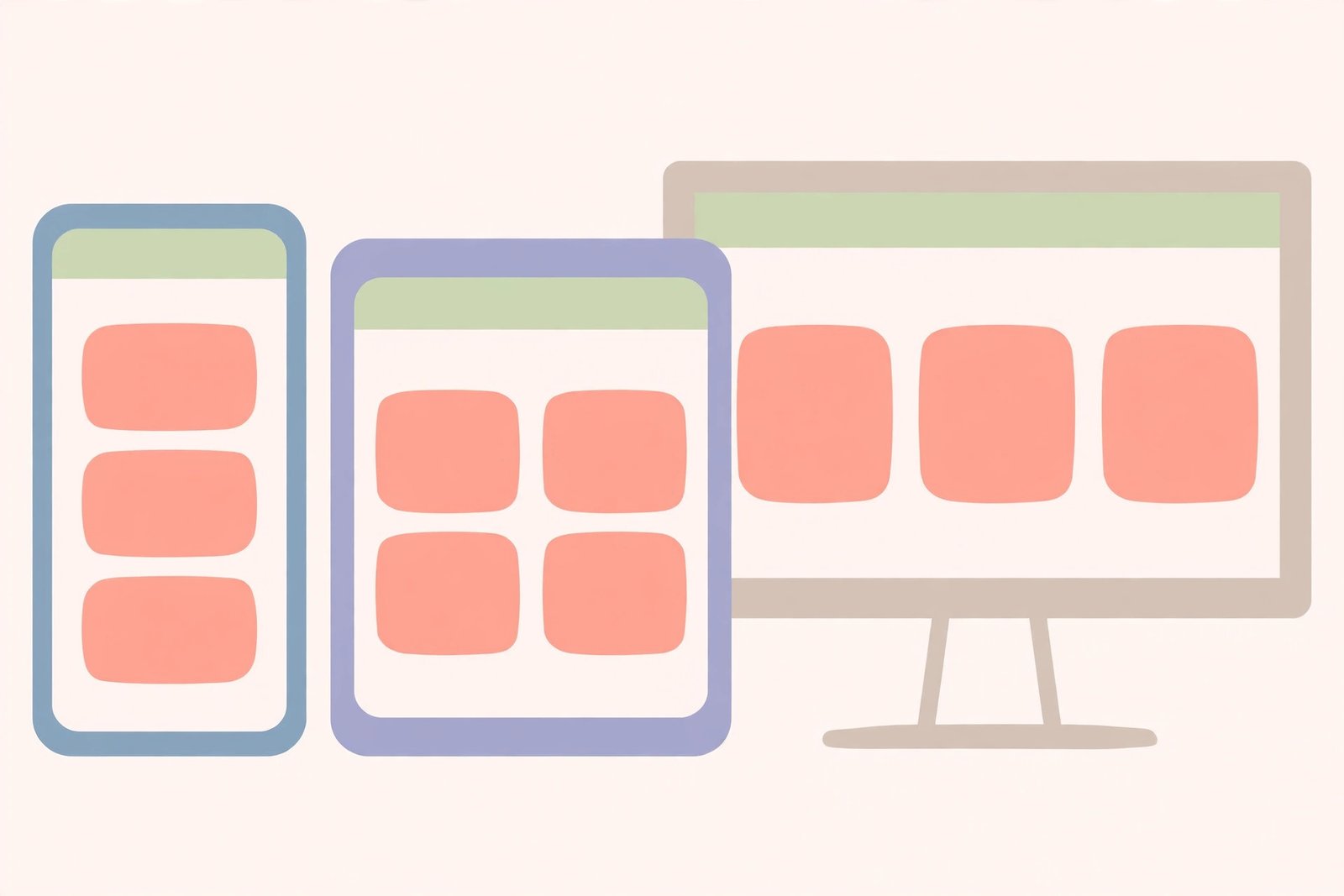
Responsive design means one site works for every screen size, not separate phone and desktop versions. It uses flexible layouts, with relative sizes and percentages or flexible grid columns rather than fixed pixel widths, and media queries, which apply styles when a condition is met, usually screen width. A three-column desktop layout can become a single column on a phone.
Accessibility is part of good styling too: readable font sizes, enough contrast, and layouts that work when a visitor zooms. A page some visitors cannot read is not well styled.
Do I Need CSS If I Use a Website Builder, and What About Frameworks?
A website builder can publish a site without you writing CSS, because the theme handles the styling. CSS still matters when you want a colour, spacing, or layout the theme does not offer, when you need to fix an odd layout, or when you need to describe a problem precisely.
A framework is a ready-made collection, such as a grid and styled buttons and forms, built on instead of writing every rule. Frameworks suit larger projects, and beginners can skip them at first. Learn selectors, the box model, Flexbox and Grid, and the cascade first. The same principle applies as in the guide to what is Python: learn the core ideas before adding tools.
How Do I Start Learning CSS? A Practical Checklist
Follow this order — skipping ahead is the most common reason beginners stall.
- Learn basic HTML first.
- Write your first rule: change a heading colour and size, first internally, then externally.
- Learn the box model.
- Practise selectors.
- Learn Flexbox, then Grid.
- Build a responsive page, using media queries down to phone size.
- Build three small projects: a personal page, a landing page, and a multi-page site.
- Learn developer tools.
- Avoid classic mistakes: do not style everything inline, do not pile on rules, and do not copy code you cannot explain.
Summary
CSS gives the web its appearance. It takes HTML structure and content and controls colours, typography, spacing, layout, and responsiveness. The core ideas are selectors, properties, the box model, and the cascade. That is a practical start whether you want to build your own site, customise a builder theme, or move into web development.
Related Reading
Frequently Asked Questions
What is CSS in simple words?
CSS is the language that styles a website: it controls colours, fonts, spacing, and layout, and how a page adapts to different screens.
Is CSS a programming language?
Not in the usual sense. CSS is a stylesheet language: it describes how content should look, but does not run logic or loops like a programming language does.
Do I need to know HTML before learning CSS?
Yes, at least the basics. CSS styles HTML elements, so you need to know how headings, paragraphs, and classes are structured before styling them makes sense.
Why is my CSS not showing up on my page?
Common causes are a stylesheet that is not linked correctly, a browser showing a cached old stylesheet, a more specific or later rule winning, a typo or missing brace, or a selector that does not match your HTML.
How long does it take to learn CSS?
You can learn the basics in a few weeks of regular practise, while confidence with complex responsive designs takes longer and comes mainly from building real pages.